JabRef vs Zotero for LaTeX Bibliographies
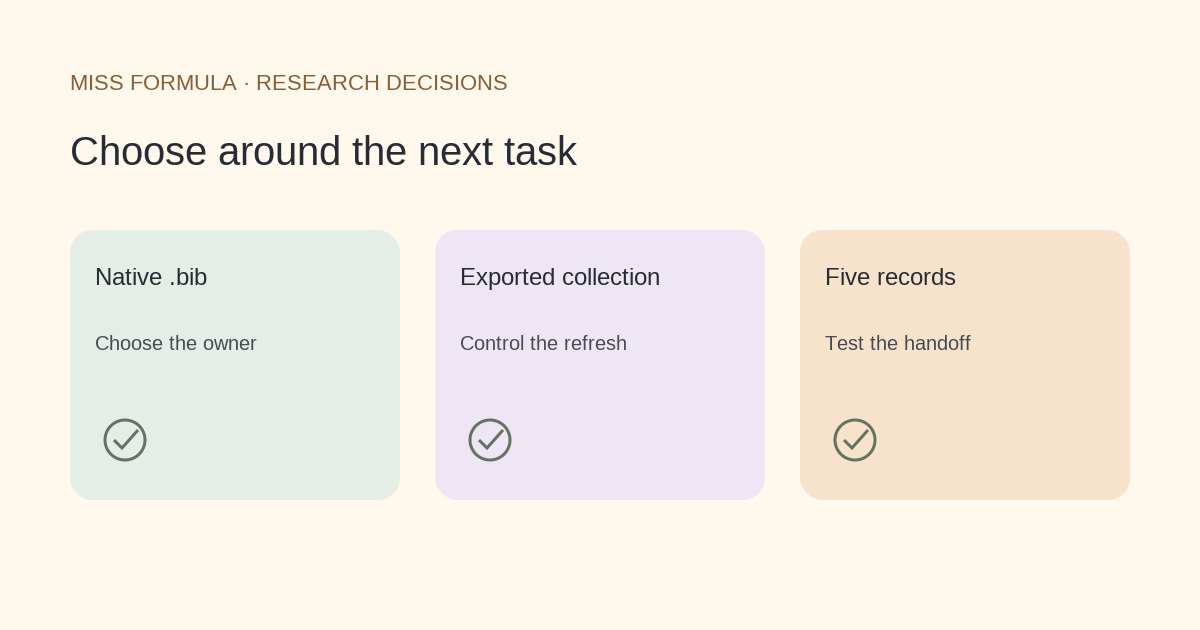
Choose by which file owns your bibliography, how citation keys survive edits, and whether your team also writes in Word. Includes a small migration acceptance test.
Research workflows, tool comparisons, and practical tips for academic writing and scientific figures.
Choose by which file owns your bibliography, how citation keys survive edits, and whether your team also writes in Word. Includes a small migration acceptance test.
Choose a network editor by input structure, automatic layout and the editable file your team will retain. Compare documented capabilities without assuming an image preserves graph data.
Choose a full-text route by field, paper version and the evidence you need to inspect. A free-to-read record is not automatically a reusable figure or proof of a claim.
Choose a visual discovery workflow by how you start, inspect relationships and save a defensible shortlist. A map helps find papers; it does not establish support for a claim.
Choose a proofreading workflow by correction control, document handoff and the scientific facts you must protect. Use a small paragraph to test suggestions before revising a manuscript.
Choose a methods-diagram tool by the master file your team will revise: Mermaid source, a draw.io document, a sketch canvas, or an AI-generated draft with an editor.
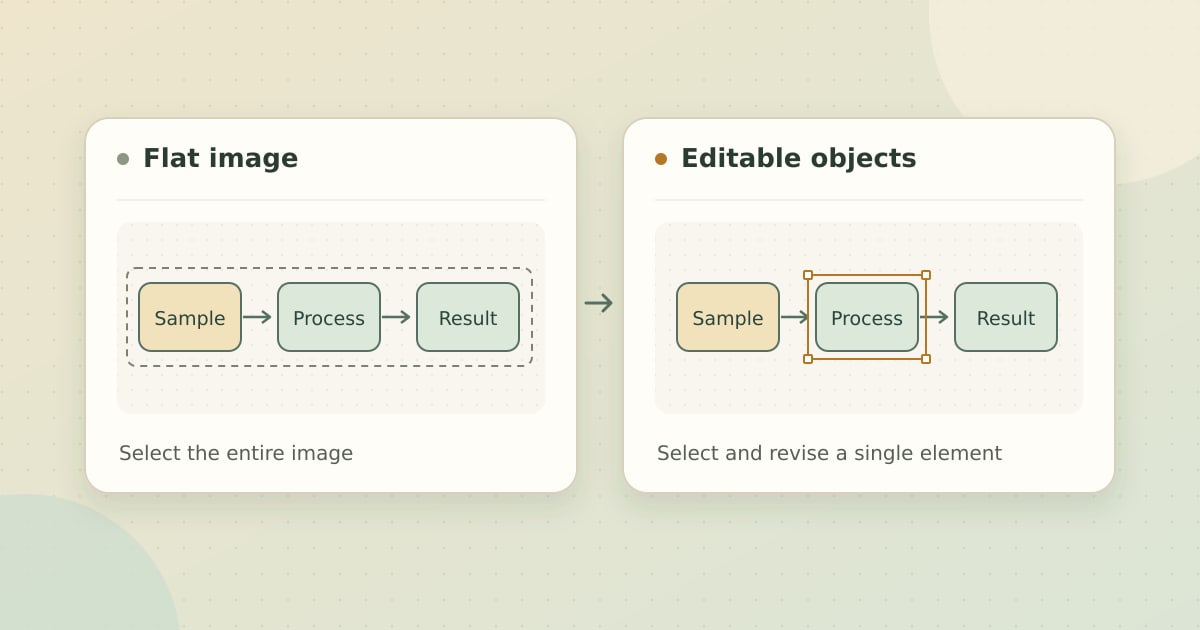
Choose a FigureLabs alternative by the changes your coauthors need to make: revise an existing image, assemble a biological illustration, or edit an SVG master.
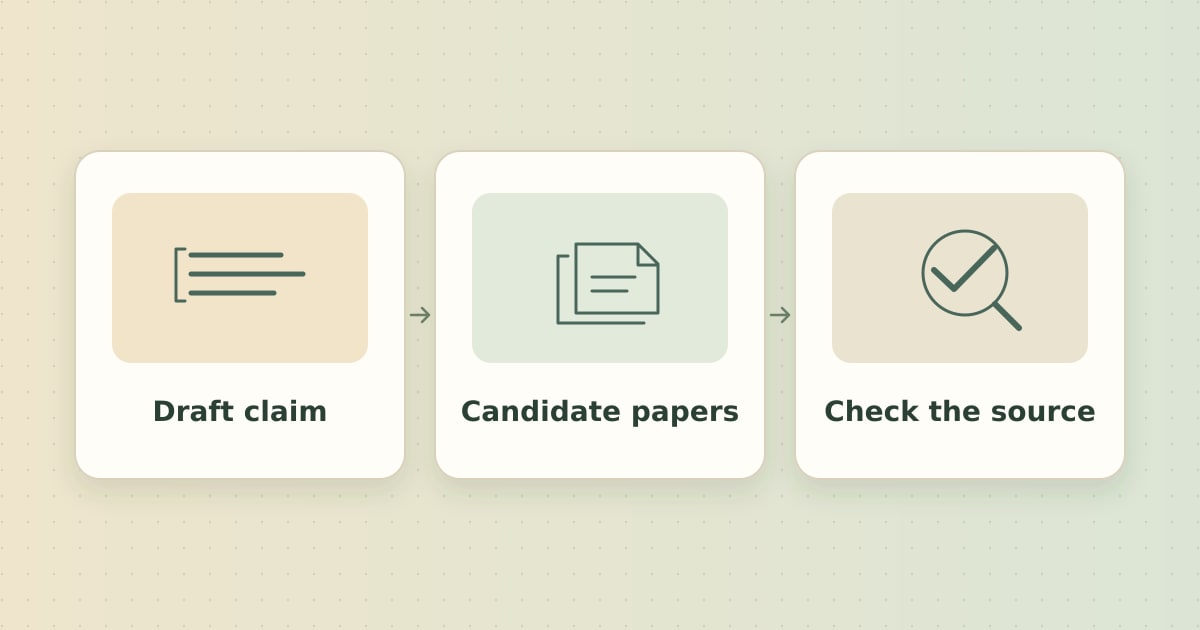
Use Crossref to investigate reference identity and Scite to inspect citation context. Keep both checks separate from whether a paper supports your exact claim.
Choose a scan-to-edit workflow by OCR correction controls and the document you need to reuse. Compare a representative page before converting a research archive.
Choose a conversion route around your source pages, then check whether text, table cells and equations remain editable in the Word result.
Choose a source-based diagram or a flexible sketch around how your team will revise the workflow, then rehearse a real handoff.
Choose a replacement around reference identity, DOI matching or citation context, and keep unresolved entries visible until the source is verified.
Choose academic manuscript support or writing help across applications, then test revisions against the scientific meaning you need to preserve.
Choose a citation workflow your collaborators can maintain, and test document transfer before moving a live manuscript.
Decide which review stage you need to replace, then preserve eligibility decisions, source passages and extracted values during a switch.
Choose a documented biomedical query or broad scholarly discovery, then keep a search log that makes the two result sets interpretable.
Keep useful seed papers while choosing between citation trails, recommendation maps and biomedical query control.
Choose the editor around source preservation, labels and collaborator handoff, then check one small SVG before committing a whole figure.
Choose DOI metadata lookup or scholarly discovery, then use a reference-level review log to decide what you can safely correct.
Compare a file-centered diagram workflow with a shared online canvas, then test one research decision branch before choosing a team tool.
Compare Word, Mathpix and Miss Formula for a PDF-to-Word task, using a small audit of prose, equations and tables before switching.
Choose a reference manager around coauthor compatibility, existing manuscript citations, and an EndNote-to-Zotero migration trial.
Compare Word’s built-in equation tools, Miss Formula and Overleaf by editable output, input type and the work you must preserve.
A task-based shortlist for PDF annotation, source-grounded questions and moving from paper reading to a checked research note.
Compare library organization, manuscript integration, and migration risks before choosing a reference manager.
Choose a manuscript editor by its required deliverable, equation source, numbering needs, and coauthor workflow.
Compare academic revision options by sentence control, source checking, integration needs, and the cost of switching.
Build a concept table, combine synonyms, and test your search against known papers before narrowing the results.
Use a meaning checklist and a before-and-after example to preserve population, comparisons, uncertainty, and attribution when revising.
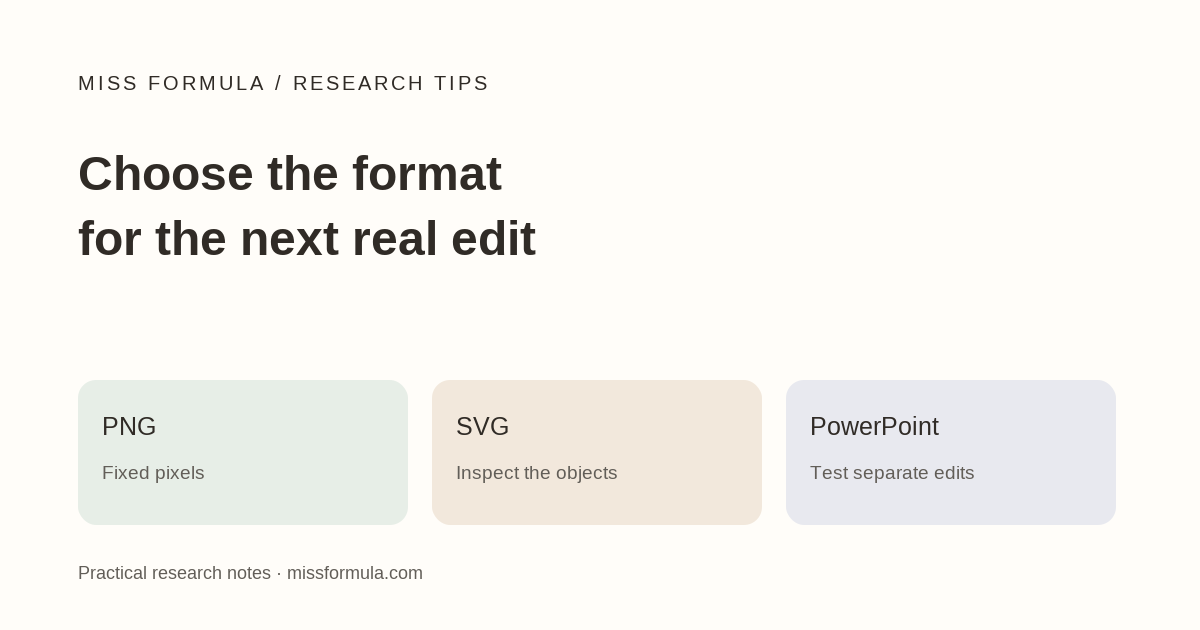
Choose a figure format by the edits you need to make, then test the exported file in the application that will receive it.
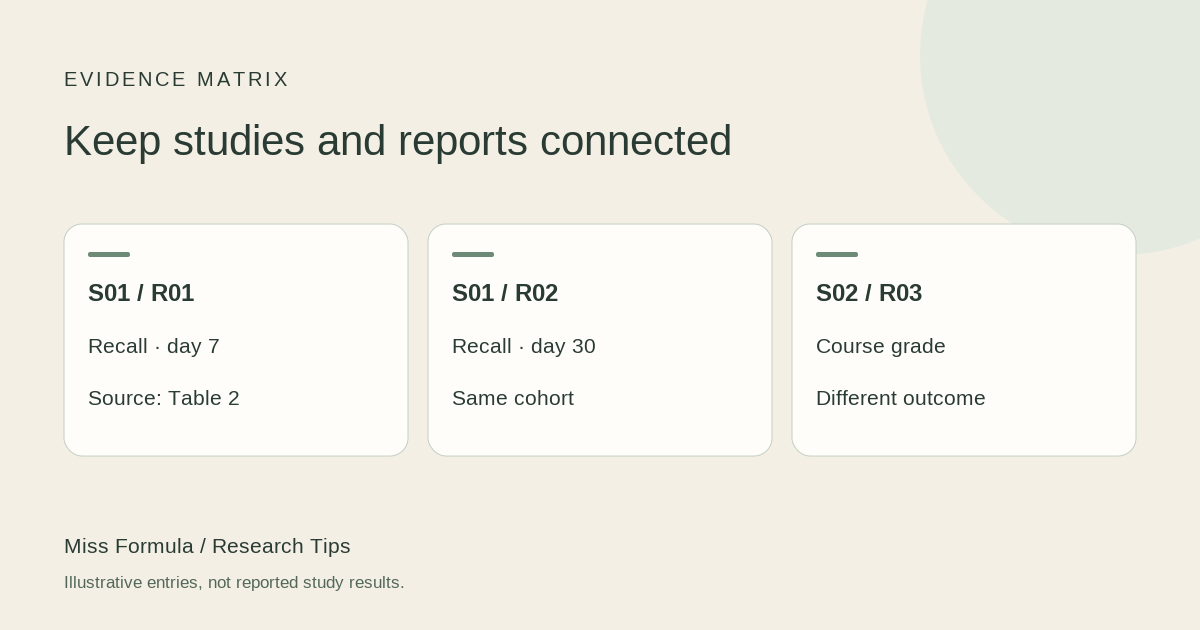
Move from a stack of paper summaries to a source-linked comparison table, with a worked example and a reusable matrix template.
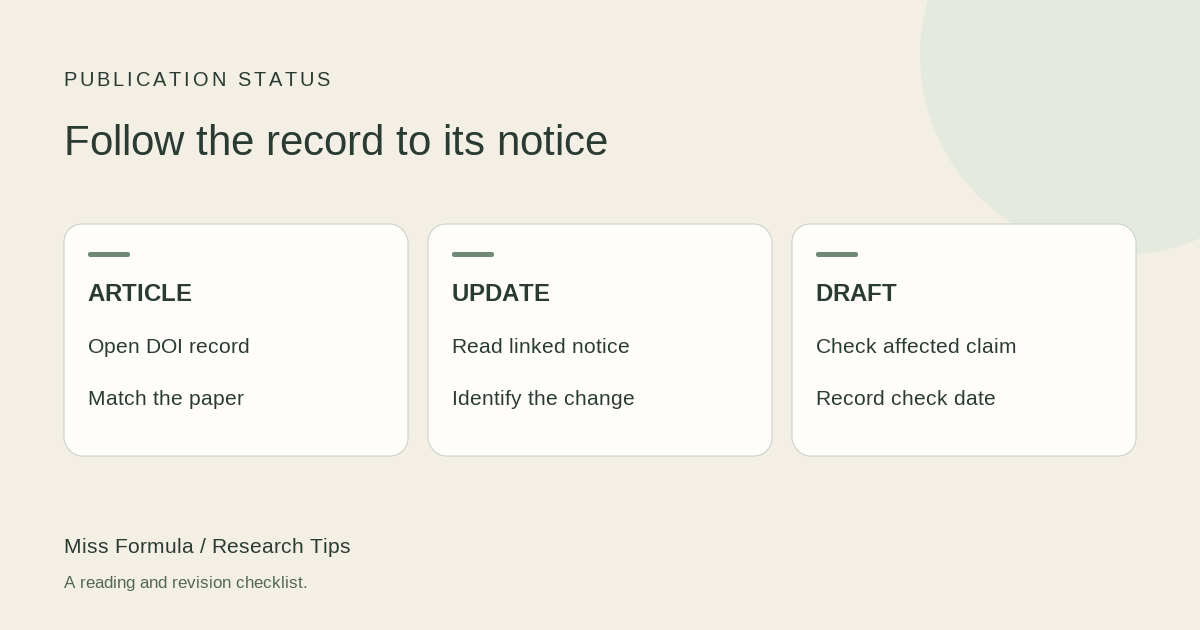
Check the publisher record, Crossmark status, and linked notices before you rely on a downloaded paper. Includes a reusable status note.
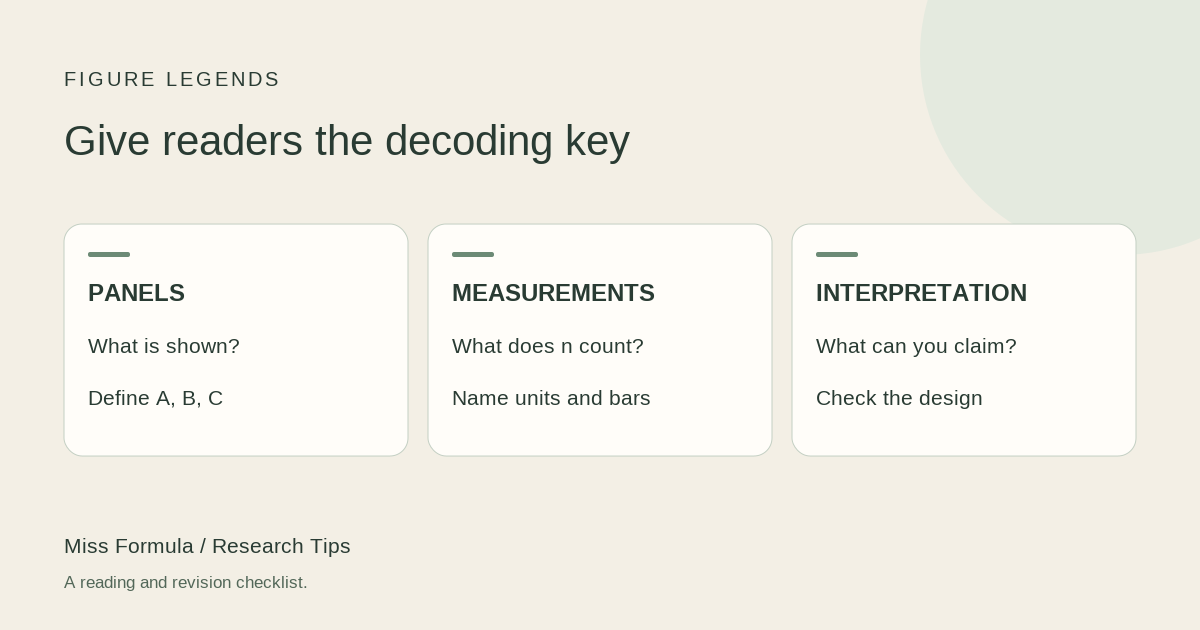
Draft a figure legend that explains panels, samples, units, symbols, and uncertainty, using a clearly labeled illustrative example.
A DOI tells you which paper you have. A worked example on retrieval practice shows how to decide what that paper lets you write.
Review four common match types, repair missing attribution, and document what you changed before submitting.
Run a figure review from source data through export, with a worked example for a three-panel manuscript figure.
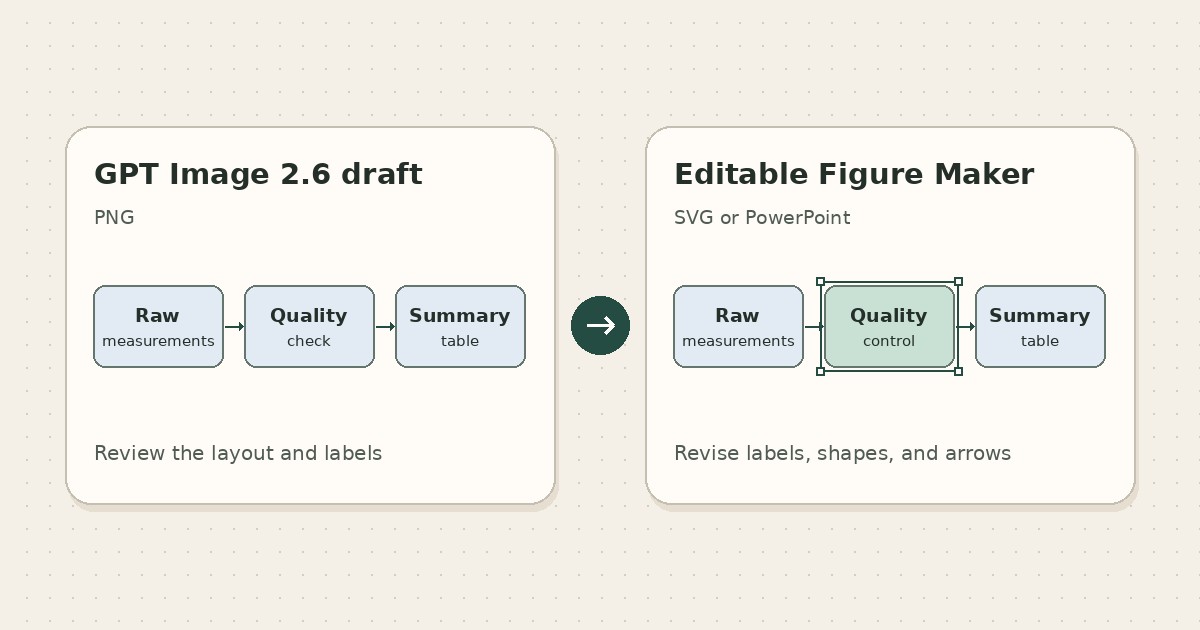
See where direct SVG helps, then convert a GPT Image 2.6 draft into a figure you can revise online and export as SVG or PowerPoint.
Compare four Sourcely alternatives by what you start with, how they find academic papers, and what you can verify before citing.
See how five tools handle editable SVG, PowerPoint, and revisions to individual figure elements.
Word equation shortcuts, input techniques, and tools to speed up your math typing.
No articles in this category yet.