MathType Alternatives for Writing Research Equations
Compare Word’s built-in equation tools, Miss Formula and Overleaf by editable output, input type and the work you must preserve.
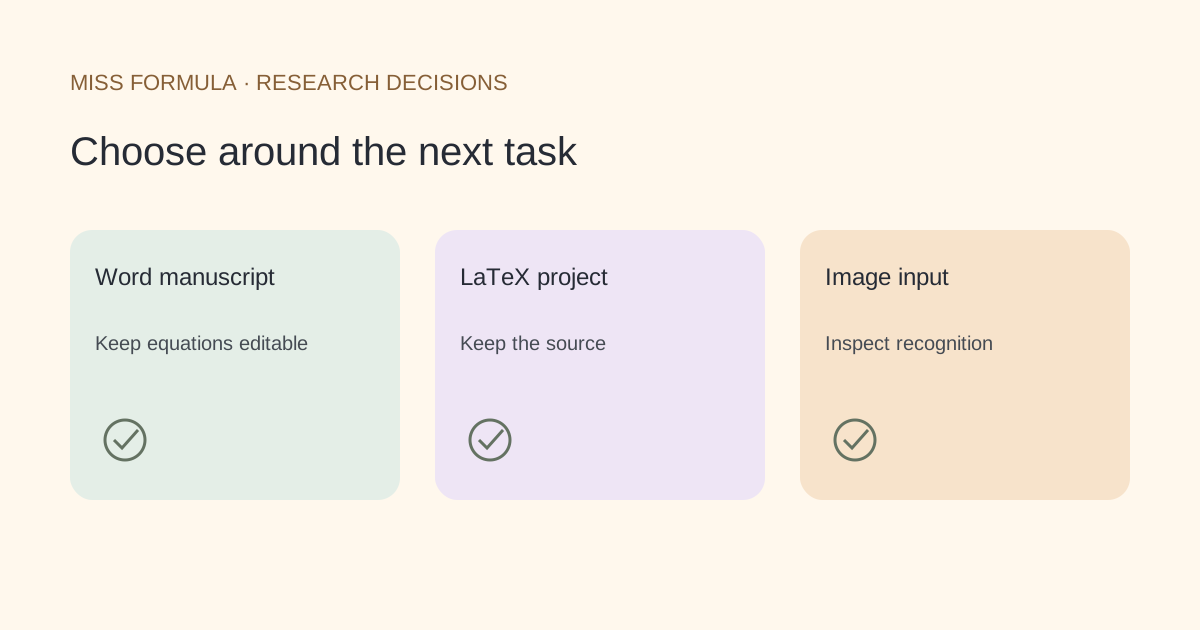
Choose the alternative by the file you must deliver
Use Word’s built-in equation tools when the deliverable is an editable Word manuscript, Miss Formula when you need a browser equation workspace or to recover notation from an image, and Overleaf when the deliverable is a LaTeX project. Keep MathType if your teaching, publishing or office workflow depends on its integrations or handwriting interface.
This is a task-based shortlist checked against official documentation on November 21, 2026. It does not claim that every MathType object converts losslessly into another editor.
| Option | Starting input | Useful destination | Boundary to check |
|---|---|---|---|
| Word built-in equations | Typed notation or built-in structures | Editable equations in a Word document | Its LaTeX input is not a complete LaTeX compiler |
| Miss Formula | Typed LaTeX; image recognition in AI Doc Converter | Equation preview, SVG graphics or a separate Word conversion workflow | An SVG export is a graphic; use the appropriate workflow for editable Word equations |
| Overleaf | LaTeX source in a project | A LaTeX manuscript and compiled output | A compiled PDF is not an editable Word equation |
| Keep MathType | Visual or handwritten input in supported integrations | Continue the existing integrated workflow | Check the exact host and object type before a change |
Official references: Microsoft’s equation syntax guide, MathType capabilities and Overleaf mathematical expressions. Miss Formula routes are linked below.
Word: try the built-in path before adding another tool
If you already write in Word, open a math zone and try one representative equation. Microsoft documents UnicodeMath and LaTeX linear input, with conversion to professional layout. The relevant advantage is that the result remains part of your Word document workflow.
Word’s input syntax has exceptions. For instance, its documented matrix input differs from a full LaTeX environment. A command that works in a LaTeX project may need adaptation in Word. Judge the route with the expressions you use, especially matrices, multiline derivations and unusual operators.
Do not test only a rendered appearance. Put the cursor inside the equation, change a denominator, save and reopen. If a collaborator can perform the same edit, the handoff is more convincing than a screenshot.
Miss Formula: separate equation authoring from recognition
For typed notation, open the LaTeX Equation Editor in Studio, enter an expression and inspect its live preview. Keep the source when exporting a graphic. The LaTeX-to-SVG page explains the graphic output, and the export guide covers the steps.
For an equation that exists only in a screenshot, choose AI Doc Converter’s image-to-formula mode instead. Recognition is a separate operation with credits and potential transcription errors. Check brackets, signs, limits and subscripts against the image before using the result.
The equation editor is not a full manuscript compiler. A vector graphic also does not automatically become a native Word equation. Choose the workflow by the destination rather than assuming one export meets every need.
Overleaf, and when retaining MathType is easier
Overleaf is the appropriate candidate when your work lives in a LaTeX project with document-level structure. Its documentation distinguishes inline and display mathematics and shows full document examples. Keep the project source, not only a compiled PDF, if another author must revise the math.
MathType remains worth keeping when an office, learning-management or publishing integration is central to your process. Wiris documents office integrations and handwriting input. A replacement chosen for one isolated equation may not replace those surrounding requirements.
For editor selection across the whole manuscript, see Overleaf versus Microsoft Word. That is a broader decision than choosing an equation-entry alternative.
A small exit test before you change tools
Use an original trial expression such as r = a/(b+c), then repeat with a matrix and one multiline derivation from your own work. These are suggested checks, not benchmark results.
| Check | What a usable replacement should let you do |
|---|---|
| Meaning | Preserve numerator, denominator, signs, indexes and conditions |
| Editing | Change one term in the destination application |
| Round trip | Save, close and reopen without losing the intended structure |
| Handoff | Let a coauthor make a change with their available software |
| Archive | Retain source alongside the exported file |
Are these complete MathType replacements?
They replace different tasks. None is presented here as a universal replacement for every MathType integration or legacy object.
Can I replace all existing equations automatically?
Do not assume so. Work on a copy and inspect object types and representative equations before attempting a batch migration.