FigureLabs Alternatives for Revising Scientific Figures
Choose a FigureLabs alternative by the changes your coauthors need to make: revise an existing image, assemble a biological illustration, or edit an SVG master.
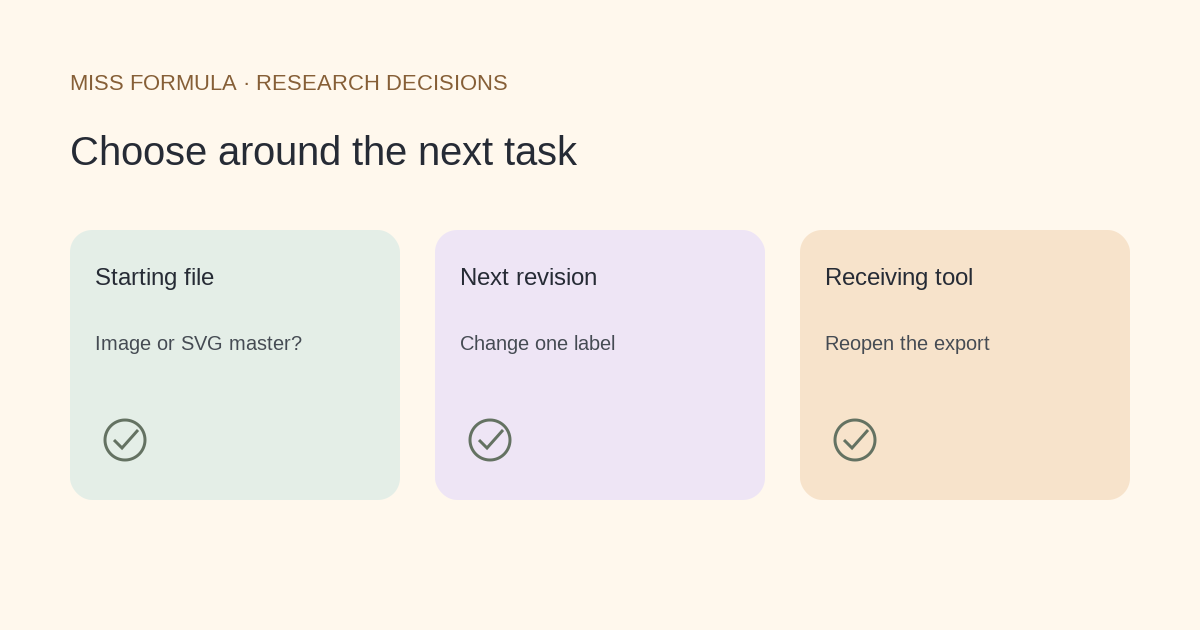
Choose around the next revision
Consider Miss Formula when you have a scientific image to reconstruct and edit in a browser, BioRender when the main need is composing biological illustrations from a dedicated asset library, and Inkscape when you already have an SVG master and want direct vector editing. Keeping FigureLabs can also be the right choice if its current canvas and exports already satisfy your collaboration needs. This is a documented-workflow comparison, not a tested accuracy ranking.
| Workflow | Useful starting point | What to check before switching |
|---|---|---|
| FigureLabs | Text, sketches or references into a canvas with editable exports | Try the exact revision and export you need before deciding to leave |
| Miss Formula Editable Figure Maker | Existing image reconstruction followed by browser SVG editing | Inspect reconstructed objects; current Export PPT delivers SVG with import instructions |
| BioRender | Composing biological illustrations with scientific assets | Check asset suitability and publication/export terms for your plan |
| Inkscape | An existing SVG or manually assembled vector drawing | Confirm text, fonts and object structure after opening the file |
File format alone does not establish that a collaborator can edit every label. Test a real change in the receiving application.
What you would be leaving behind
FigureLabs currently documents illustration generation, editable flowcharts, plotting, canvas editing and PPTX/SVG exports on its official product page. That breadth is a reason to keep it on your shortlist. A move aimed only at one task can introduce a second tool for tasks you previously completed together.
Before switching, list the work you actually use: generating a schematic, changing labels, editing a process, or plotting from data. Do not replace a data-driven plotting workflow with a picture-redrawing workflow. The latter cannot recover the measurements behind a graph. This article focuses on explanatory scientific figures and their revision handoff, rather than the analysis of experimental images.
Three alternatives for different starting materials
Miss Formula: use Editable Figure Maker to generate or convert a figure, then continue into the browser SVG editor. A reconstructed raster figure needs a careful comparison with its source. Some elements may require correction; the current PowerPoint route is SVG import rather than a direct PPTX download. The Studio also hosts the figure workflow offered on EditableFigure.com, Miss Formula’s dedicated scientific-visualization site.
BioRender: its official features emphasize scientific icons, templates, drawing aids and editable first drafts. Consider this route when choosing and arranging biological components is the main task. Inspect the final representation and current publication permissions; an asset library does not determine whether your proposed mechanism is correct.
Inkscape: its official project description cover working with vector graphics. This route suits a team prepared to work directly with SVG objects. Opening a PNG inside a vector editor does not automatically turn every visible label into editable text. Keep original vector material whenever you can.
Run a small revision rehearsal
Use this fictional request: change “Treatment A” to “Treatment B,” move the label away from an arrow, and keep that arrow pointing to the same target. It is a proposed acceptance exercise, not a published scientific case or a report of generated results. Save one source copy and ask the receiving coauthor to perform the same edit.
| Check | Pass condition | Why it matters |
|---|---|---|
| Label text | The intended text can be changed without repainting the panel | Routine terminology changes stay local |
| Connector | Direction and endpoint survive the label move | A layout correction should preserve the approved relationship |
| Destination | The saved file reopens with the corrected object usable | Browser editing and desktop handoff are separate checks |
| Scientific review | The author approves the figure and legend together | Editing an object does not validate a mechanism |
Record the editor, file type, version and any manual repair required. Choose the route that supports the next revision with a manageable handoff, rather than the most impressive thumbnail. Keep a read-only review copy beside the editable master.
Try one object before converting a whole figure
The Miss Formula figure page includes a preloaded interactive SVG editing example. Use it to explore object selection, then follow the guide to editing a scientific label in Studio for your own material. A built-in example is not a quality guarantee for a new upload; actual processing requires sign-in and available credits.
For team review, the published figure revision brief explains how to name an object, record its approved change and close the request with evidence. It is supplementary Miss Formula editorial guidance, not independent scientific evidence. The broader scientific figure tool shortlist addresses initial generation rather than this switch-away decision.
Questions before moving your figure workflow
Must I replace FigureLabs completely? No. You can keep the original master there and test another tool on one permitted copy. Does an SVG guarantee editable text? No; text can be converted to paths or remain part of embedded raster content. Can I assume identical publication rights? No. Check the destination journal, your source material’s rights and each provider’s current terms. Is this an accuracy ranking? No; the recommendations follow documented operations and the proposed acceptance exercise.
Official documentation checked November 26, 2026: FigureLabs, BioRender, Inkscape project description, and the current Miss Formula product implementation. Exact prices and untested export equivalence are excluded.