ABBYY FineReader PDF vs Adobe Acrobat for Scanned Research Papers
Choose a scan-to-edit workflow by OCR correction controls and the document you need to reuse. Compare a representative page before converting a research archive.
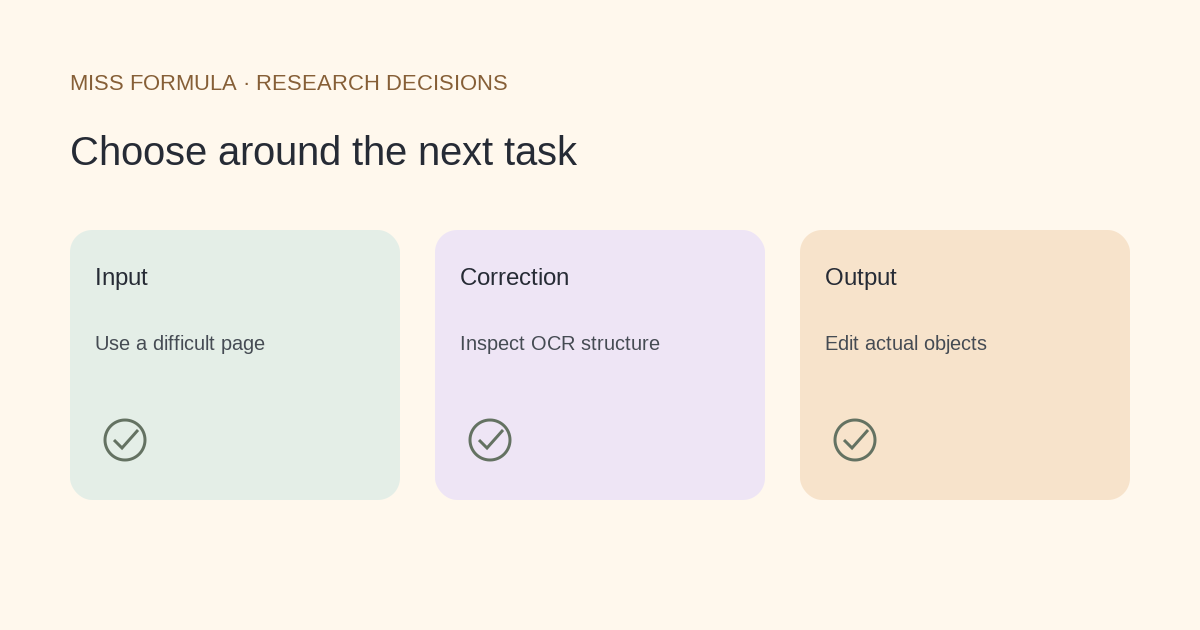
Choose the correction workflow before the subscription
Consider ABBYY FineReader PDF for Windows when reviewing recognized areas and OCR results is central to the job. Consider Adobe Acrobat when OCR and Word export need to fit an existing PDF editing workflow. Both document scan conversion; neither product description proves perfect recovery of a particular equation-heavy research page.
| Decision | ABBYY FineReader PDF | Adobe Acrobat |
|---|---|---|
| Scope here | FineReader PDF for Windows | Acrobat OCR and Office-export workflow |
| Documented correction role | Recognition-area and OCR-result review | Recognize and edit text in a scanned PDF |
| Reusable output | Word conversion; text/table extraction | DOCX and other Office export routes |
| Main reason to try it | You want to inspect recognition structure | You already review and edit PDFs in Acrobat |
| Same acceptance condition | Editable content with correct reading order | Editable content with correct reading order |
| Before purchasing | Check OS, edition and licensed operations | Check platform, plan and licensed operations |
See the official FineReader PDF overview and Acrobat OCR workflow. This is a feature-based decision aid; no timed or accuracy test was performed.
Choose a representative page
A clean title page is a poor acceptance sample for a paper filled with equations. Choose one page you are allowed to process that contains the difficult material: two columns, a table with units, a displayed expression or footnotes. Keep its original resolution and orientation consistent across the candidate routes.
Write down your desired result first. A searchable archive PDF, an editable Word manuscript and LaTeX source are different deliverables. Searchability can be useful without recovering the document structure you need for revision. Avoid spending the trial correcting decorative layout if the task actually depends on table cells or mathematical notation.
Inspect the recognition and the exported document
ABBYY documents reviewing recognition areas and OCR results, along with text/table extraction and Word conversion. Those controls are worth exploring when columns, a caption or a table boundary has been interpreted incorrectly. Judge the corrected result after export, because the final editing format is the material your collaborator receives.
Adobe documents recognizing and editing scanned PDF text, then exporting to DOCX and other formats. If your group already reviews PDFs in Acrobat, that may keep the workflow familiar. Check the actual OCR and export features in your access level. Neither familiarity nor a selectable text layer proves that every formula has become an editable Word equation.
Use an object-by-object acceptance sheet
The following is an original test plan for a permitted sample page, not reported output from either application. Apply it to the same source and record repairs separately from automatic conversion.
| Element | Edit to try | Acceptance evidence |
|---|---|---|
| Two-column paragraph | Change a phrase and read across the page break | Reading order follows the original argument |
| Table | Change one value and its unit | The correct cell and header relationship remain clear |
| Equation | Inspect a subscript, minus sign and fraction | Symbols and grouping match; required objects can be edited |
| Footnote or caption | Find the corresponding callout | Reference and explanation remain connected |
| Saved output | Reopen in the recipient’s application | The needed edits survive the handoff |
A correct-looking screenshot does not pass the table or equation edit. Conversely, a minor line-wrap difference may be acceptable when all required objects are usable. Decide which failures block the research task and which are ordinary document cleanup.
When a browser conversion or LaTeX route is relevant
Miss Formula AI PDF to Word uses AI-enhanced OCR for scanned/image PDFs and aims to produce editable text, tables and equations. Use AI Doc Converter when a browser workflow is the practical starting point, then apply the same acceptance sheet. Results require review; there is no universal fidelity guarantee.
If the actual deliverable is editable source, follow the scanned PDF-to-LaTeX guide and use the existing PDF to LaTeX page. OCR cannot recover the original author’s source exactly. If you already own Word and want to compare its PDF-opening route, the Word-versus-Acrobat article covers that separate decision.
Questions before converting a collection
Which is more accurate? This article has no measured result that supports a winner; use the same difficult source page to evaluate your task. Does OCR produce native equations? Do not infer that from an editable-text claim. Inspect the resulting object. Can I skip review for a clean scan? No; a small symbol or unit error can matter. Are the plans equivalent? No; check platform, edition, entitlement and your intended use before buying.
Official sources checked November 26, 2026: ABBYY FineReader PDF for Windows and Adobe Acrobat OCR and Office-export description. No exact prices or unsupported numerical performance claims are included.