Microsoft Word vs Adobe Acrobat for Scanned Research PDFs
Choose a conversion route around your source pages, then check whether text, table cells and equations remain editable in the Word result.
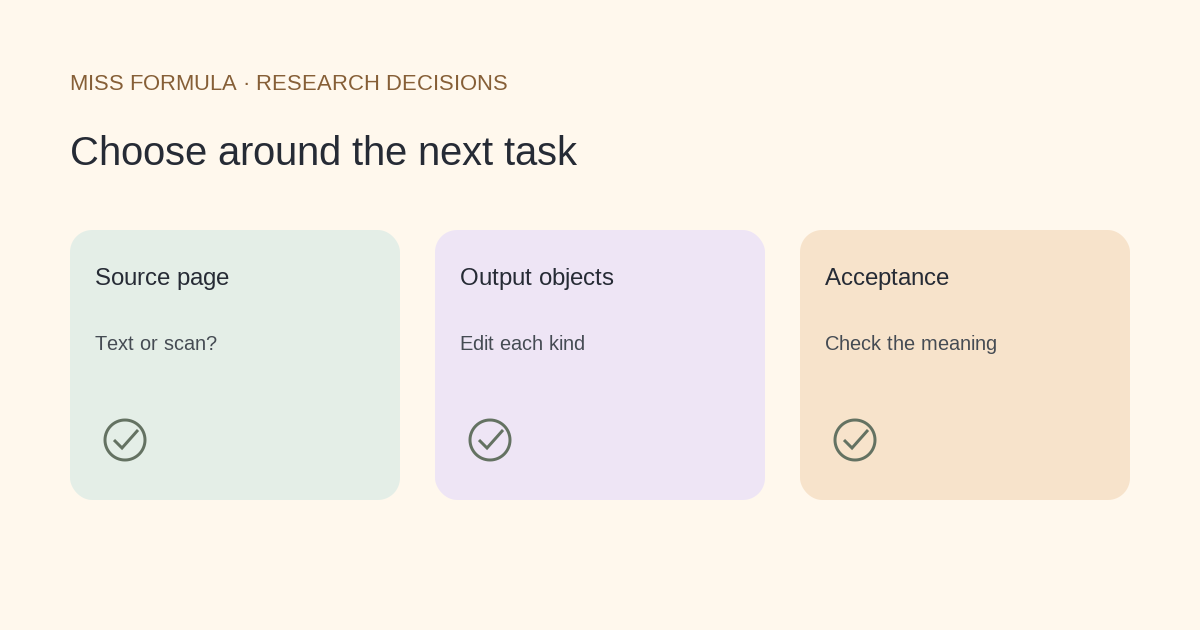
Start with the page type and required output
Try Microsoft Word first when you already have desktop Word and the PDF is mainly text. Consider Adobe Acrobat when you need an explicit scan-recognition workflow before exporting to Word. For either route, judge the exported DOCX by what you can change, not only by whether the page looks familiar. A scan containing dense equations or complicated tables needs its own acceptance check.
| Decision | Microsoft Word | Adobe Acrobat |
|---|---|---|
| Documented route | Open a PDF and convert a copy to a Word document | Recognize scanned text, then export a PDF to Word |
| Best initial fit | A mostly text PDF in an existing Word workflow | A scan that needs an explicit OCR preparation step |
| Important boundary | Microsoft warns that some PDF elements convert poorly | Searchable text in the PDF is not itself a verified editable DOCX |
| Before committing | Check reading order, cells and equation objects | Run the same output checks after export |
| Access | Check your desktop Word access | Check OCR/export availability in your Acrobat plan |
Microsoft’s PDF-opening guide and Adobe’s OCR guide describe different starting operations. They do not establish a universal accuracy winner.
When the existing Word route is sufficient
Microsoft describes conversion as working best with PDFs that are mostly text and lists elements that do not convert well, including some tables and footnotes. A PDF is a page description, so a converter must infer document structure. Check the actual file rather than assuming that a selectable paragraph proves every other element has been reconstructed.
Use a copy and start with a representative page. If your real work is changing a paragraph and the result contains ordinary editable text in the right reading order, the route may already meet the task. If a page arrives as one large picture, you have a visual copy rather than the editable content you wanted. Do not repair the entire manuscript before discovering that the central table is unusable.
When an explicit OCR step helps the workflow
Adobe documents language and page-range controls for recognizing text in scanned PDFs. That gives you a clear place to inspect recognition before the export stage. Its Word-export tutorial then covers the separate move into a document-editing format. Keep the original scan beside both intermediate and final files.
This separation can be useful when a scan mixes pages, orientation or languages. It does not prove that mathematical notation becomes native Word equations or that every table becomes a reliable grid. If you already use Acrobat for PDF work, retaining that workflow may be the lowest-friction choice. Check the specific OCR and export entitlements you have; this article does not assume that free Reader includes every operation.
Use one page with three editable objects
Build an acceptance sheet from a page you are allowed to process: one paragraph, a small table and an equation. The following checks are an original review protocol, not reported outputs from either product. Save the same source page for each route and avoid improving only one input before comparison.
| Object | Edit to attempt | What failure tells you |
|---|---|---|
| Paragraph | Change a word in the middle of a sentence | A whole-page image or scattered fragments may block normal editing |
| Table | Change one numeric cell and move to the adjacent cell | Loose text boxes can look tabular without being a usable table |
| Equation | Change one symbol or a denominator | A picture or vector outline is different from an editable equation |
| Reading order | Copy two adjacent paragraphs into plain text | Columns or captions may have been interleaved |
| Meaning | Compare a minus sign, unit and footnote with the source | A neat layout can hide a consequential recognition error |
Record pass, needs repair or unusable for each object. Give more weight to what your project actually needs. An archival reading copy and a table you will reuse for analysis have different acceptance criteria. Inspect the saved result in the destination version of Word before processing a longer file.
A browser route for editable research content
Miss Formula’s AI Doc Converter supports image and scanned PDF input with editable Word text, tables and equations as the target. The useful question is whether your own difficult page meets the same checks. AI-enhanced OCR does not remove the need to review notation, structure and scientific meaning.
Use your available credits after signing in. A built-in example demonstrates a prepared result; it is not a conversion of your file. Follow the PDF-equation workflow for notation review. For a broader switch-away decision, see Acrobat alternatives; this page addresses the narrower Word-versus-Acrobat choice.
Questions before processing the full document
Does OCR mean the Word file is ready? No. OCR, document reconstruction and scientific checking are separate stages. Which route is more accurate? No comparative accuracy test is reported here. Use the same representative source and acceptance sheet. Should I convert an entire PDF just to reuse one equation? A targeted equation workflow may require less repair. Can I discard the original? Keep it as the source for reviewing recognition and structure.
- Microsoft — PDF conversion and limitations
- Adobe — recognition settings for scans
- Adobe — export to Word
Documentation checked November 25, 2026. This is a public-documentation comparison and proposed acceptance test, not a measured product benchmark.