Inkscape vs Adobe Illustrator for Editing Scientific SVG Figures
Choose the editor around source preservation, labels and collaborator handoff, then check one small SVG before committing a whole figure.
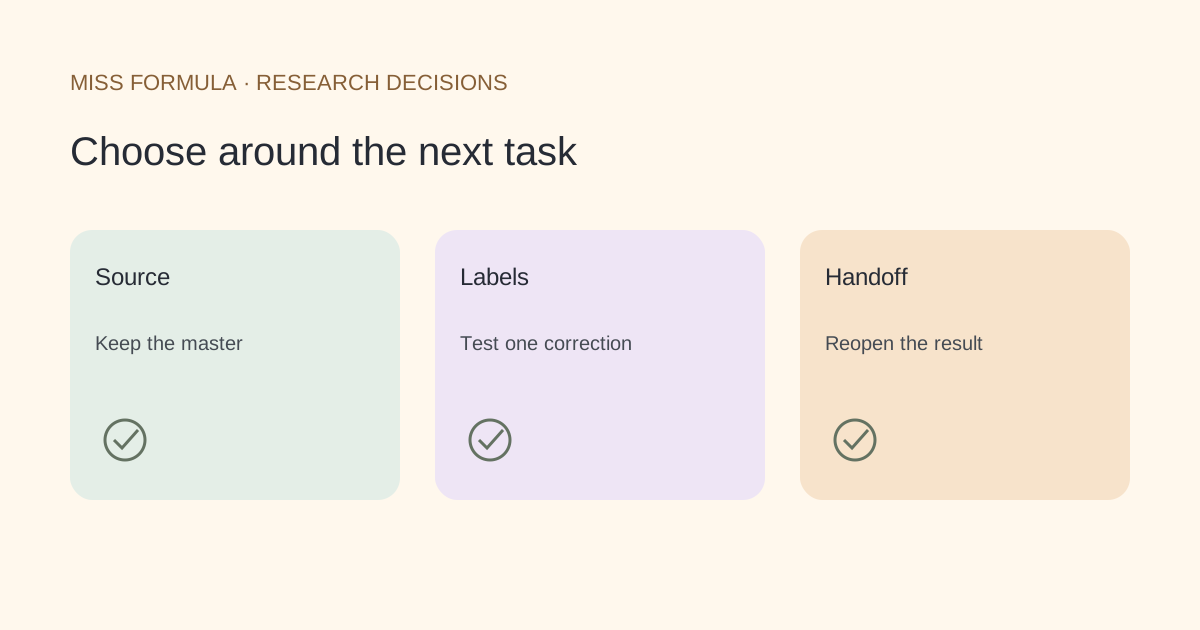
Choose the source file your team can maintain
Choose Inkscape when an open-source vector editor and an SVG-centered handoff fit your team. Choose Adobe Illustrator when your collaborators already maintain Illustrator source files and need that workflow. Both can be part of a scientific figure process; neither can turn an incorrect diagram into valid science merely by making it editable.
| Decision | Inkscape | Adobe Illustrator |
|---|---|---|
| Working approach | Open-source vector editing with SVG workflows | Vector editing with Illustrator source and SVG export |
| Handoff to plan | Keep the editable SVG and required fonts or approved substitutes | Keep the original Illustrator document and export the deliverable SVG |
| Text risk | Check live text versus outlined shapes in the received SVG | Check export text handling and reopen the intended master |
| Raster content | A bitmap inside an SVG remains bitmap content | A bitmap inside an SVG remains bitmap content |
| Acceptance check | Edit, save, reopen and compare in the destination | Edit the master, export and compare in the destination |
This comparison focuses on file maintenance, not an unsupported speed or ease-of-use ranking. Adobe’s SVG export tutorial explicitly recommends keeping the original Illustrator document for future edits. The Inkscape Beginners’ Guide introduces the open-source editor.
Inspect the SVG before judging the editor
An SVG can contain editable text, vector shapes, embedded raster images or a mixture. A single imported image can look sharp at one size without giving you separate labels and arrows. First select one label and one arrow. Can you change the characters and move the arrow independently? If not, investigate the file structure before blaming the application.
Outlined lettering may preserve appearance but no longer behaves like ordinary text. A missing font can also change the layout. Keep a record of the fonts you used and check whether collaborators can lawfully obtain them. If you outline a delivery copy, retain the editable master so the next revision does not require reconstructing all labels.
An original five-edit SVG acceptance test
Use a small copy of your own schematic, not an irreplaceable final figure. The following test is a proposed workflow, not a claim that we ran either application or measured conversion fidelity. Choose a diagram with two labels, one connector, one filled shape and a small bitmap panel if your real figure uses one.
| Edit | What the test reveals |
|---|---|
| Change one label | Whether text remains live and whether glyphs fit |
| Move one connector | Whether line and arrowhead remain usable |
| Recolor one shape | Whether the intended object is separate |
| Resize the figure | Whether strokes and labels stay readable |
| Save, reopen and insert | Whether the actual handoff preserves the intended appearance |
Inspect the result at the size it will appear in the paper or slide. A large canvas view can hide unreadable labels. Record the source filename, destination program and any font substitution. Keep a visual reference beside the editable file so the receiver can detect a changed layout.
When to stay with the current editor
Stay with Illustrator if a laboratory or designer already owns the source workflow and your collaborators can reopen the master. Saving an exchange SVG does not mean every editor-specific feature survives as a fully equivalent editable object. Adobe’s current SVG documentation describes options that affect the output; review those options for your delivery task.
Stay with Inkscape when the team can maintain its SVG source and the acceptance test passes. Switching applications adds training and file-review work. A colleague who only needs a presentation image may not need the editing application at all, while the person responsible for future revisions needs the actual source and instructions. Decide those roles before choosing a tool.
When the starting figure is a raster image
If your starting point is an authorized PNG or a generated raster draft, changing its extension to SVG will not recover the labels. Miss Formula’s Scientific Image to Editable SVG Converter offers a reconstruction workflow. Review the reconstructed text, geometry and scientific relationships; do not assume every original object or detail survives perfectly.
Keep the original reference and your reviewed SVG. For slides, read the PowerPoint handoff guide: the current export path downloads SVG for import into a supported PowerPoint application. For the broader format decision, see SVG, PNG and PowerPoint. Editing software and file format are related choices, but they answer different questions.
File-handoff questions
Does SVG guarantee editable text? No. Inspect whether letters are text or paths. Should I discard the master after export? Keep the master and the delivery copy. Does reconstruction transfer rights? No. Use material you are authorized to modify. Can I choose without a benchmark? Yes: test your own file against the specific edits and destination your team needs.
- Inkscape — community-maintained beginner documentation
- Adobe — SVG export and master-file advice
- Adobe — current SVG saving options
Official documentation checked November 23, 2026. This is a public-documentation comparison, not a comparative performance test.