SVG vs PNG vs PowerPoint for Scientific Figures
Choose a figure format by the edits you need to make, then test the exported file in the application that will receive it.
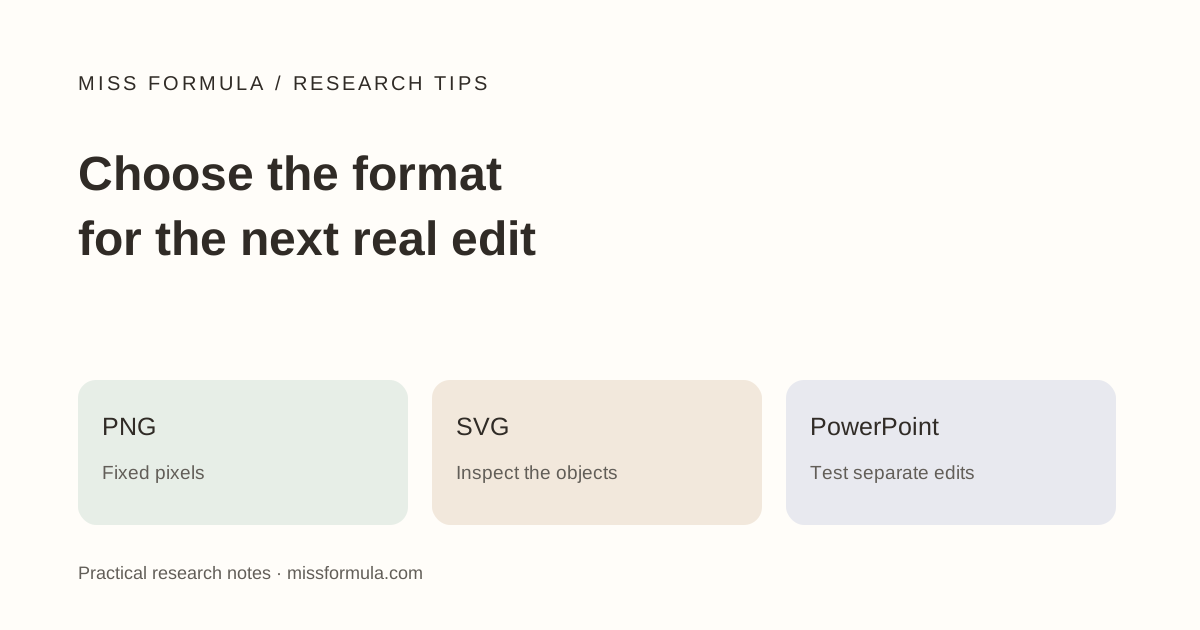
Choose the next editing task before the extension
Choose PNG when you need a fixed pixel image, SVG when a supported destination needs scalable drawing geometry, and an editable PowerPoint workflow when collaborators need to revise slide objects. Keep the original editable source alongside any delivery export. A file extension alone does not tell you whether a label can be edited.
A scientific figure often moves from a drawing workspace to a collaborator’s slides and then to a submission system. Those destinations can have different requirements. Read the receiving journal’s instructions before choosing the final delivery format; this article explains editing decisions, not a universal submission specification.
Compare what each format can contain
| Format | Useful for | Inspect before relying on it |
|---|---|---|
| PNG | A stable raster preview or an accepted fixed image. | Pixel dimensions, transparency, text readability at intended size. |
| SVG | Scalable shapes and paths in compatible applications. | Embedded raster images, outlined text, fonts, masks and import differences. |
| PowerPoint | Collaborator revisions to slide-level shapes, labels and layout. | Whether the content is native editable objects or one inserted picture. |
The W3C SVG specification describes a format that can combine vector and raster graphics. An SVG may include an image rather than reconstruct its contents as editable paths. It can also contain text represented as outlines. Zooming in is useful for inspection, but does not prove semantic text editing.
Try a three-action edit test
Illustrative handoff: your coauthor needs to change “Control” to “Vehicle,” move an arrow and recolor one treatment group. Before sending the entire figure, test those three changes on a copy of the exported file.
- Select one label. Confirm whether you can edit the characters or only move a group of paths.
- Select one arrow separately. Move it and check both endpoints.
- Recolor one shape without changing unrelated panels.
- Save, close and reopen the file in the destination application. Check the same label, arrow and shape again.
If selecting the label selects the whole picture, your coauthor may need the original drawing source or a reconstructed editable version. A PNG placed on a PowerPoint slide is still a picture. Converting the deck’s filename or importing it into another app does not by itself recreate the missing objects.
Check the exact Office workflow you have
Microsoft’s SVG editing guidance documents supported SVG operations and conversion to Office shapes. The available commands depend on the application and version. Try the actual file in the collaborator’s environment rather than assuming every SVG becomes a clean collection of text boxes and connectors.
Use native drawing objects when later revisions need separate labels and shapes. If an exported label becomes outlines, keep a source with editable text. If the document only needs a stable image, compare a preview at its final displayed size and retain a separate master for revisions.
Package a master and a checked delivery copy
A practical folder contains the editable master, the exported figure and a short note naming the destination, dimensions and known limitations. Include linked assets or fonts only when you have permission to share them. Keep panel labels and wording synchronized between versions.
In Miss Formula Editable Figure Maker, inspect the reconstructed elements in the editor and the downloaded SVG or PowerPoint file. Treat reconstruction from an existing image as a conversion to review, especially for numbers, arrows and symbols. Recheck data labels against the original rather than assuming visual similarity is enough.
For formulas that need a scalable graphic, see LaTeX equation SVG export. For the final manuscript package, use the scientific figure submission checklist and the target journal’s current requirements.
Sources and product interfaces checked November 19, 2026. Examples are teaching material unless a published source is identified.
Continue in Miss Formula
Use the relevant tool, then inspect the sources and output before relying on them.