Elicit Alternatives for Screening and Extracting Research Evidence
Decide which review stage you need to replace, then preserve eligibility decisions, source passages and extracted values during a switch.
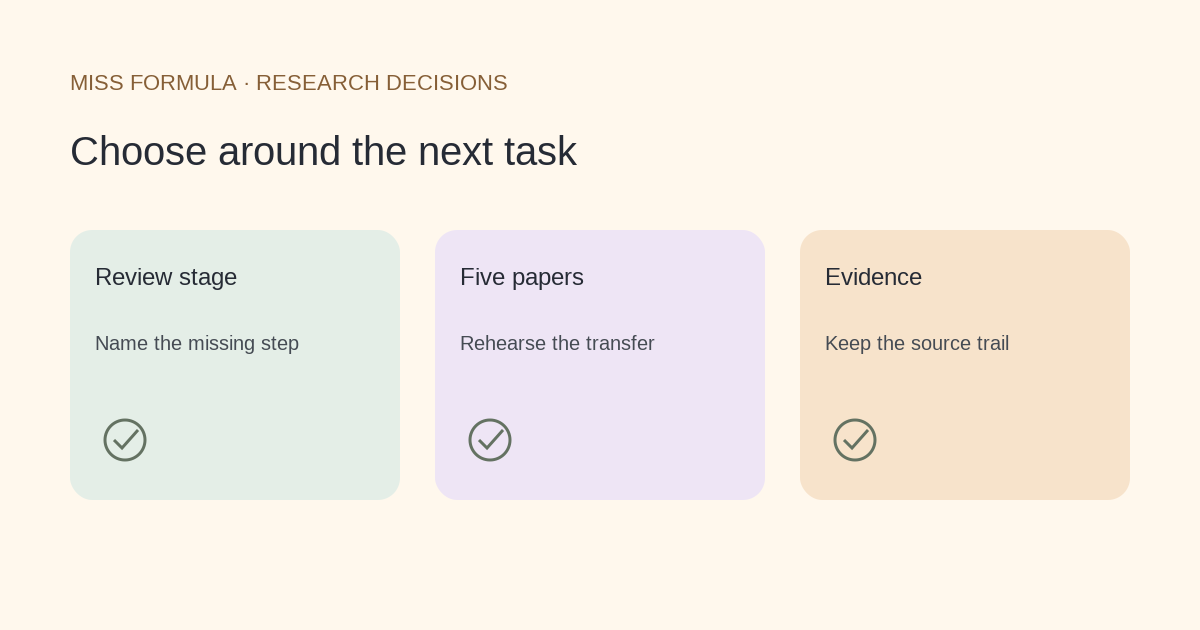
Replace a review stage with an appropriate workflow
Consider Rayyan when your alternative needs a reference-screening workflow with team decisions and documented extraction options. Consider Covidence when your team needs an integrated review process covering independent screening, extraction and assessment. Keep Elicit when its question-to-screening-to-extraction workflow is already the capability you need. Use Miss Formula for narrower discovery, selected-PDF questions or reference checks; it is not a replacement for a complete systematic-review platform.
| Option | Documented role | What to verify before switching |
|---|---|---|
| Elicit | Gather papers, screen, extract and produce a report | Plan eligibility, source support and export of your current work |
| Rayyan | Import, deduplicate, screen, extract and assess risk of bias | Team permissions, review decisions and plan-specific automation |
| Covidence | Integrated screening, extraction, assessment and export | Institutional access, protocol fit and extraction-template handoff |
| Miss Formula | Academic discovery and selected-PDF reading; separate citation checking | Human selection and source verification; no full review-management equivalence |
These are alternatives for defined parts of evidence work. The table does not rank search recall or extraction accuracy, and it does not imply that each product has identical databases, automation or collaboration rules.
What you may lose by leaving Elicit
Elicit’s current help guide describes a workflow spanning paper gathering, abstract screening, optional full-text screening, extraction and a final report. It documents source-supported cells and decisions that users should inspect. Its Systematic Reviews workflow is listed for Pro, Scale and Enterprise plans; check the current guide for eligibility and usage before starting a new review.
If you already have screening decisions or extraction columns in Elicit, preserve those before changing tools. A paper list is not the whole review. Retain eligibility definitions, the reviewed source version, extraction instructions and the decisions behind exclusions. Consult Elicit’s workflow documentation; this article makes no promise that another platform imports its complete project state.
How Rayyan and Covidence differ as destinations
Rayyan: the current official getting-started guide covers reference import, duplicate detection, screening, data extraction and risk-of-bias assessment. It also documents Blind Mode and plan-dependent AI or automation features. Do not rely on older descriptions that say Rayyan only screens references. Check which particular functions your team’s plan permits in Rayyan’s current guide.
Covidence: its official workflow describes independent dual screening, conflict resolution, extraction templates, quality assessment and exports. This is relevant when the review process and the team’s audit trail are the central requirement. Check institutional access before purchasing separately. Read Covidence’s workflow overview and confirm the settings needed by your protocol.
Both destinations require a methodological plan. A software workflow does not establish that your eligibility criteria are sound, that every required database was searched or that an extracted number has been interpreted correctly. Keep the protocol visible while testing the tool.
An original migration rehearsal with five papers
Before moving the full project, choose five real papers from your existing review: one obvious include, one obvious exclude, one borderline case, one paper with a difficult outcome table and one report linked to another report of the same study. These are proposed test roles, not fabricated publications or a performance sample.
| Material to preserve | Question for the rehearsal |
|---|---|
| Reference identity | Does the imported record point to the intended work and version? |
| Eligibility rule | Can a second reviewer apply the same written rule? |
| Exclusion reason | Is the specific reason retained and understandable? |
| Extraction field | Are outcome, time point, units and missingness explicit? |
| Evidence location | Can a colleague find the passage or table behind the value? |
| Study linkage | Are two reports of one study kept distinct without double counting? |
Record the input files, export format, date and destination settings. Compare the destination with the original by record, not just by total count. If the destination does not retain notes or decisions, plan a separate archived decision log before switching. Do not delete the original review until the handoff is checked.
When a smaller tool is enough
A student exploring a question may need candidate papers and focused questions about selected PDFs rather than a full screening platform. Miss Formula’s AI Literature Search and Chat with PDF support those narrower tasks. Verify the original record and passage, and preserve notes about why each paper is relevant.
For a formal review, retain an appropriate review-management process and the databases your protocol requires. A generated summary is not an inclusion decision or a verified extraction table. The evidence-matrix guide provides a separate way to keep claims and source locations visible; it is not an automated substitute for independent review.
Switching questions and official evidence
Which alternative is free? Check current plan entitlements for the exact operation and team size; a free screening function does not imply free automation or all exports. Can I transfer everything automatically? Do not assume so; test record fields, decisions and evidence notes separately. Should I leave Elicit just to use a different search? You may be able to add a complementary search while retaining the existing review. Does this list establish the best extraction accuracy? No; it compares documented roles, and every extracted value still needs source review.
- Elicit — systematic-review workflow and access
- Rayyan — current stages and feature entitlements
- Covidence — review stages, team screening and extraction
Official documentation checked November 24, 2026. Recommendations describe documented workflows; no comparative performance test was run.