draw.io vs Lucidchart for Research Flowcharts
Compare a file-centered diagram workflow with a shared online canvas, then test one research decision branch before choosing a team tool.
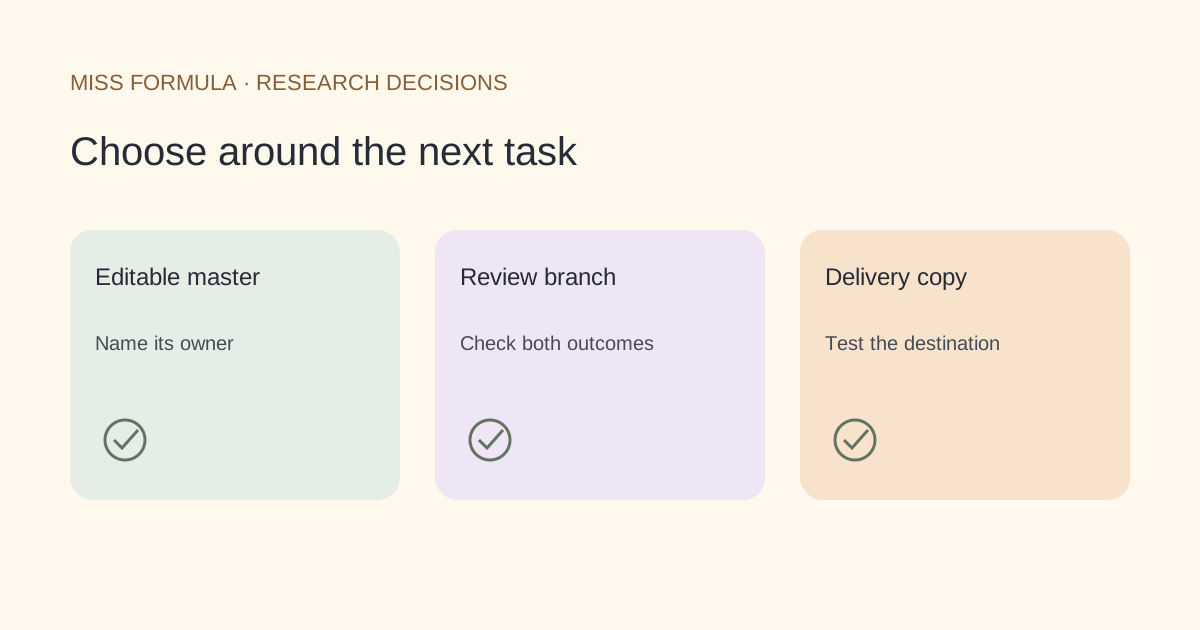
Choose around where the editable master will live
Choose draw.io when keeping a reusable diagram file is central to your handoff. Choose Lucidchart when your group wants to review and maintain a diagram in its shared online workspace. Test the actual editor, storage arrangement and export you will use before standardizing a lab workflow. Both can produce a flowchart; the practical decision is who can revise it next.
This guide compares documented workflows checked November 22, 2026. It does not rank drawing speed, AI accuracy or visual quality. It also does not assume that an exported image preserves every feature of an editor’s working document.
| Research task | draw.io | Lucidchart |
|---|---|---|
| Keep an editable master | Retain the diagram source; SVG can include diagram data | Keep the working Lucid document and access for collaborators |
| Deliver a vector image | SVG export with text-compatibility options | Documented SVG image export |
| Preserve review discussion | Keep decisions with the shared source and review record | Comments and notes do not appear in the exported image |
| Exchange with another diagram tool | Trial a source-bearing export in the destination | Visio export requires an eligible paid account |
| Judge research validity | Check decisions, branches and counts yourself | Apply the same scientific review |
Sources: draw.io SVG export, Lucid export formats and limitations and Lucid’s diagramming overview.
draw.io: preserve more than the rendered picture
draw.io documents an option to include diagram data in SVG exports so the file can be reopened in its editor. That is useful when your team’s handoff centers on a file. Preserve the native working copy as well, and write down which application should reopen it.
Its documentation also flags text-compatibility problems in destinations that do not support SVG foreign objects. A vector export can therefore look correct in one application and have missing or unexpected text elsewhere. Prepare the text settings for the receiving application and inspect the exported copy there.
For a research group, the acceptance question is concrete: can another author change the label on the exclusion branch, save the file and return a version you can continue editing? Do not infer that from the extension alone. Use a disposable example before moving an active figure.
An original branch-and-handoff trial
Use this synthetic research workflow: receive a sample, assess quality, exclude a failed sample with a recorded reason, analyze a passing sample, and review the resulting table. It is a teaching scenario, not a validated protocol or a PRISMA diagram.
Build that same small workflow in each shortlisted environment. Use identical labels and decisions so you evaluate the handoff rather than how much time you spent polishing a first draft.
| Test | Pass condition |
|---|---|
| Branch logic | Both quality outcomes have explicit destinations |
| Reason capture | The exclusion route records why a sample stopped |
| Second-author edit | A collaborator can change one label and return the working version |
| Static delivery | Text, arrows and line endings remain readable at the intended size |
| Review record | The reason for a changed decision remains discoverable after export |
Record failures in plain language: “The image looks right, but the reviewer cannot reopen the source,” or “The working document has a comment that is absent from the exported figure.” Those are actionable reasons to adjust the workflow. An unsupported claim that one tool is easier is much less useful.
Where Miss Formula fits
Miss Formula’s AI Diagram Generator offers a different starting point: describe the steps and inspect a draft, with Standard, Hand-drawn and Mermaid workflows. Use it when you want assistance turning a written process into a diagram. It is not presented here as a replacement for Lucid’s team administration or as a guarantee of lossless draw.io project import.
Follow the text-to-flowchart guide for steps, or the Mermaid editing guide when source text is your preferred master. EditableFigure.com is Miss Formula’s specialized scientific drawing site; the full drawing features are also available through Studio.
Will an SVG preserve every edit?
No. Distinguish visual appearance, embedded editor data and what the receiving application can edit.
Which is better for an established group?
Keep a working setup when changing tools would interrupt revision. Trial the new handoff on a small copy before moving the next project.