Best Tools for Turning Research Methods into Editable Diagrams
Choose a methods-diagram tool by the master file your team will revise: Mermaid source, a draw.io document, a sketch canvas, or an AI-generated draft with an editor.
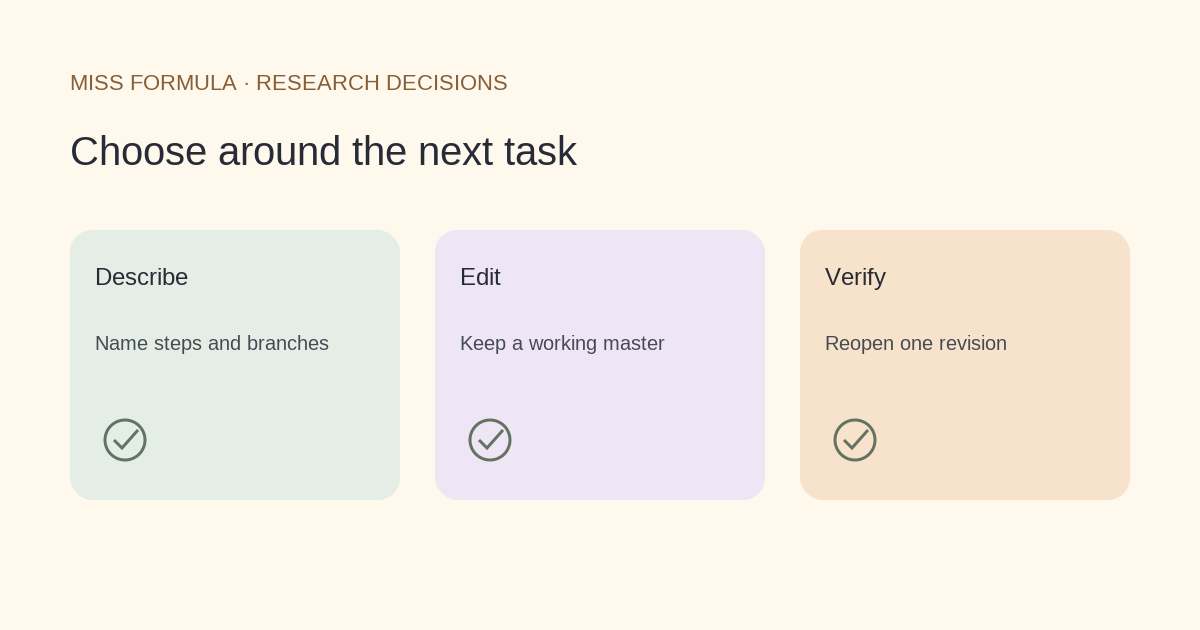
Choose the editable master before the picture
Start with Mermaid for a text-defined workflow, draw.io for direct shape-and-connector editing, Excalidraw for a sketch-style discussion canvas, or Miss Formula AI Diagram Generator for an AI-assisted starting point with multiple editor modes. These are task-based recommendations from official documentation, not a speed or accuracy league table. The best fit is the route your coauthor can reopen and change correctly.
| Tool | Useful starting task | Keep for revision | Main review risk |
|---|---|---|---|
| Mermaid | Describe a process in structured text | Diagram source alongside the rendered output | Source syntax and layout need checking |
| draw.io | Arrange explicit nodes and connectors | .drawio master or another supported data-bearing format | A plain image may lose diagram data |
| Excalidraw | Discuss a workflow with a sketch-like visual style | Editable scene along with the image | A presentation image may not preserve the scene |
| Miss Formula AI Diagram Generator | Draft from text or an existing flowchart image | The relevant editor’s working representation | AI output can omit, invent or misconnect a step |
A downloadable image and an editable master serve different jobs. Before choosing a tool, ask the person doing the next revision which file they need.
Four routes for different teams
Mermaid uses text definitions to render diagrams. It suits a workflow whose source should be easy to review as text. Retain the source, not just a screenshot. It is especially useful when the diagram belongs beside technical documentation and the team accepts syntax-based edits.
draw.io’s save-format documentation identifies .drawio as its recommended master format and explains formats containing diagram data. It suits teams that want to select and arrange shapes directly. Do not assume that an arbitrary PNG or SVG contains the data required to reopen all objects.
The official Excalidraw project describes an editable whiteboard with a hand-drawn appearance, scene persistence and image exports. Consider it for explaining an evolving process. Keep the editable scene for later changes rather than relying only on the exported picture.
Miss Formula AI Diagram Generator offers Standard, hand-drawn and Mermaid workflows in Studio. It can start from a description or a flowchart image, but reconstruction needs comparison with the source. It is useful for reaching an editable draft; the author still approves every scientific step.
Give every tool the same one-branch task
Use this fictional methods outline: receive records, check eligibility, route eligible records to analysis, and route ineligible records to an exclusion log. Add the instruction that exclusion must never return to analysis. This deliberately small example tests branch meaning, not artistic style. It does not describe a completed study or any generated benchmark result.
| Acceptance check | What must survive |
|---|---|
| Node inventory | All four named actions appear once |
| Decision | Eligible and ineligible branches are distinguishable |
| Connector meaning | Exclusion does not reconnect to analysis |
| Local edit | A reviewer can rename eligibility without redrawing everything |
| Handoff | The saved master reopens and the revised label remains editable |
If a beautiful result fails the branch check, repair the structure before polishing colors. If a tool requires a different master file, include that file in the team handoff. Saving a preview is not equivalent to saving the work.
Keep methods evidence separate from the diagram
A methods diagram summarizes the procedure you supply. It cannot establish which experiments you actually performed or recover the data behind a plotted result. Keep the approved methods text beside the diagram and compare each node against it. For branching studies, write the decision rule in words before drawing the branch.
During review, ask for an object-level request: “Rename the screening node, preserve its outgoing branches, and confirm that excluded records stop at the log.” This is more actionable than “make the figure clearer.” Save the approved editable master, a read-only review copy, the text outline and a short record of the revision.
For a worked example of recording the object, requested change and protected scientific meaning, see the published figure revision brief. This Miss Formula editorial resource supports the collaboration step; it is not independent evidence for a scientific claim.
Try the workflow that matches the next edit
For a description-to-diagram workflow, follow the research flowchart guide. If the team needs source-based revision, use the Mermaid generator and editor page, then check the saved source separately from the exported visual. A different mode is not a promise of lossless interchange between all formats.
The Studio preview helps you inspect the available workspace. Built-in examples show prepared results; they do not measure the quality of your own input. Actual processing requires sign-in and available credits. Start with a small permitted process description and inspect the branches before moving a whole methods section.
Questions before choosing a methods-diagram tool
Is an SVG always editable as a diagram? No. A vector image may contain paths, outlined text or embedded pixels rather than a complete diagram model. Can an AI diagram validate my method? No. Check it against the approved procedure. Must the whole team use one editor? It helps to agree on one editable master, even when review copies use different formats.
Official sources checked November 27, 2026: Mermaid introduction, draw.io save-format manual and the Excalidraw project linked above. Miss Formula modes and routes were checked against current product code; no API-backed generation benchmark was run. For a narrower two-tool decision, see Mermaid vs Excalidraw or draw.io vs Lucidchart.