Mermaid vs Excalidraw for Research Workflow Diagrams
Choose a source-based diagram or a flexible sketch around how your team will revise the workflow, then rehearse a real handoff.
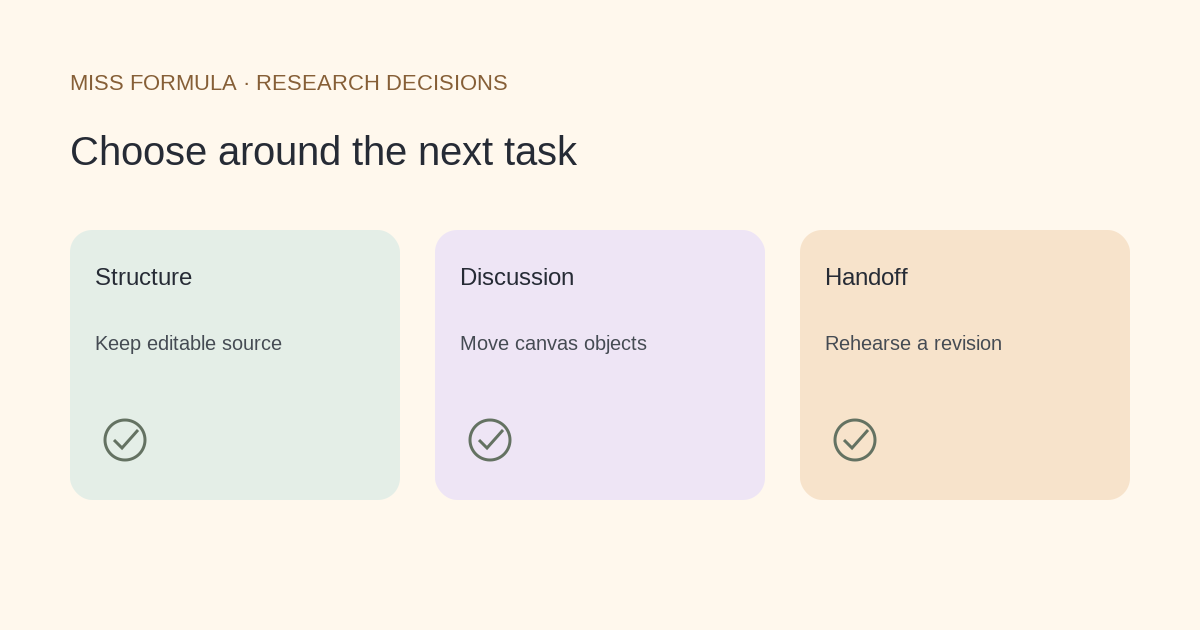
Choose around the next revision
Choose Mermaid when the workflow structure should live in text that your team can review and version. Choose Excalidraw when a flexible canvas helps people discuss, rearrange and annotate an emerging idea. Both can communicate a research workflow. The decision is how you will preserve and revise it after the first useful picture.
| Question | Mermaid | Excalidraw |
|---|---|---|
| Working material | Text definitions rendered as diagrams | Editable canvas elements with a sketch-like style |
| Typical revision | Change node labels and relationships in source | Move, resize and annotate objects on a canvas |
| What to retain | Source plus a render for the intended destination | Editable scene plus an export for the intended destination |
| Review focus | Does a source change express the intended logic? | Do arrows and grouping still express the intended logic? |
| Risk to test | Renderer/layout changes can affect presentation | A visual export alone may not retain the editable scene |
The Mermaid documentation explains text-based diagramming; the Excalidraw project describes an editable whiteboard and its file/export capabilities. This article compares documented working materials, without claiming a measured speed advantage.
When text is a useful source of truth
A methods workflow often changes in a specific way: an exclusion branch is added, a preprocessing step moves, or a label becomes more precise. Mermaid lets the author express those relationships in text. Keeping that source next to a protocol makes the diagram’s logic easier to review alongside changes to the procedure.
The tradeoff is that structure and visual placement are different concerns. A valid source file can still produce a layout that needs attention at the final page size. Keep the renderer or host in your run notes if exact appearance matters. A colleague who only receives a screenshot cannot reconstruct the source history from the image. Avoid comparing a source file from one route with only a presentation export from the other.
When a canvas makes the discussion clearer
An early lab discussion may include a proposed branch, a handwritten caveat and several alternative groupings. Excalidraw’s canvas is useful for keeping those possibilities visible while people move objects and refine the explanation. A sketch-like appearance can make an unfinished plan easier to discuss, but the style itself does not establish that a process is logically correct.
Retain the editable scene as working material. Export a separate image for a manuscript or slide and reopen both before handing them off. Do not assume the receiving application will edit an exported image as the original canvas did. If a collaborator only needs to comment on an idea, a viewable export may be sufficient; if they must rearrange the process, preserve an editable route.
Rehearse a branch change before choosing
Use this fictional protocol: receive records, check completeness, analyze complete records, and return incomplete records for correction. It is an original diagram brief, not a real research protocol or a reported generation result. Build it in the candidate workflow, then ask a collaborator to add a quality-control step before analysis.
| Change request | Acceptance question |
|---|---|
| Add quality control | Does the new step precede analysis on the intended path? |
| Preserve the correction loop | Can an incomplete record return without bypassing the check? |
| Rename a decision | Do outgoing branches still match their labels? |
| Move the diagram to slides | Are labels readable and arrow endpoints intact? |
| Reopen the working material | Can the collaborator make another logical change? |
Record which file you handed over, which editor opened it, and whether the change required redrawing. This exposes migration cost earlier than a polished thumbnail. You can favor Mermaid for a protocol kept with code and Excalidraw for an exploratory whiteboard, while retaining both for different stages. The table is a decision aid rather than a universal ranking.
Use the corresponding mode in Miss Formula
Miss Formula’s AI Diagram Generator provides standard Drawio, hand-drawn Excalidraw and Mermaid modes. Its Mermaid workspace supports source and visual editing, so you can review text and adjust the diagram in the same workflow. Inspect the current diagram after editing; visual convenience does not validate the scientific procedure.
See the Mermaid editing guide and Mermaid Diagram Generator. The Drawio-versus-Lucidchart comparison addresses a different pair and collaboration decision. When starting from a picture, check every reconstructed node and connection against the original before treating it as an editable master.
Questions about the handoff
Is Mermaid only code editing? Mermaid is a text-defined format; particular hosts can add visual editing, including Miss Formula’s workspace. Is Excalidraw only for rough notes? Its canvas can produce finished diagrams, but assess the destination and editable handoff you need. Does SVG guarantee full editing? No. The destination and exported object structure matter. Should every team use one tool? A staged workflow can work if the editable master and transfer checks are explicit.
- Mermaid — text definitions and diagram rendering
- Excalidraw — whiteboard, scene and export features
- Excalidraw — editor documentation
Documentation checked November 25, 2026. This is a public-documentation comparison and proposed acceptance test, not a measured product benchmark.