How to Turn a Research Question into Search Keywords
Build a concept table, combine synonyms, and test your search against known papers before narrowing the results.
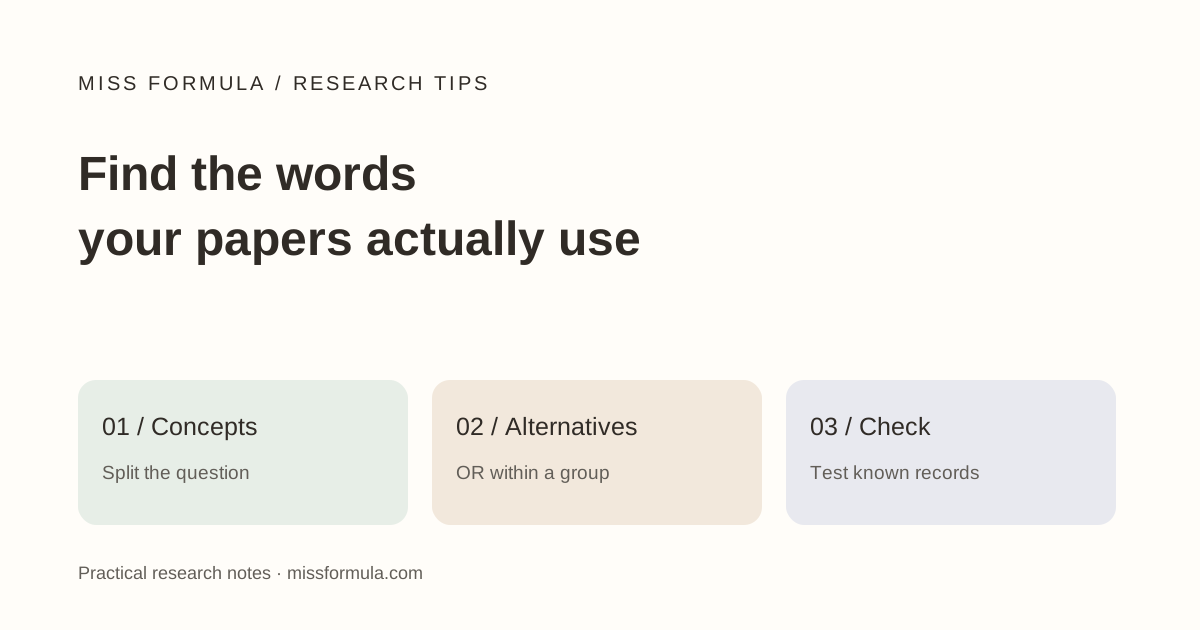
Separate the question from the search string
Start with two or three concepts, list alternative terms within each, and test a small query before adding restrictions. A research question is a statement of what you want to learn; a search string is a database-specific way to retrieve candidate reports. Copying the entire question into every search box hides that distinction.
Suppose you want to investigate whether practice testing improves delayed recall compared with rereading. Your initial search should make room for the vocabulary researchers use, including retrieval practice and test-enhanced learning. You can screen the comparison and follow-up when reading the reports rather than demanding that every detail appear in an abstract.
This is a starter workflow for exploratory academic reading. For a systematic review, develop the protocol and search with an information specialist; a short keyword exercise is not a comprehensive review search.
Make a concept table before searching
| Concept | Candidate terms | Reason to keep them separate |
|---|---|---|
| Learning activity | retrieval practice; practice testing; test-enhanced learning | Alternative descriptions of the activity. |
| Outcome | recall; retention; memory | Related outcomes to inspect, not interchangeable measurements. |
| Comparison / delay | rereading; restudy; delayed; week | Useful screening details; test whether adding them loses relevant reports. |
Treat these as candidate terms, not a validated vocabulary. Read a relevant abstract and add the author’s terms. In a biomedical database, also inspect the available subject headings; do not assume a phrase used in education is a MeSH descriptor.
The Cochrane Handbook’s search chapter describes combining alternatives with OR and concepts with AND, alongside both text words and controlled vocabulary. Its review context is broader than this exploratory example.
Test one change at a time
("retrieval practice" OR "practice testing" OR "test-enhanced learning")
AND (recall OR retention OR memory)
This illustrates Boolean grouping, not a tested strategy for every database. Run it only in an interface that supports the syntax. In PubMed, inspect Advanced → History and Search Details to see how the query was interpreted. Quoted phrases and field tags can affect automatic term mapping; consult the PubMed User Guide before translating a query between platforms.
- Run the activity concept alone and inspect a few relevant records.
- Add the outcome group. Note which useful records remain and which disappear.
- Try one extra condition, such as rereading, in a separate version.
- Record the exact query, database, date, filters and result count for each version. Counts will change over time.
Use a paper you already know is relevant as a diagnostic. If the revised query misses it, inspect that record’s title, abstract and indexed terms. The record may lack your preferred wording or sit outside the database. Finding one known paper checks one failure mode; it does not establish comprehensive coverage.
Diagnose sparse or noisy results
| Observed problem | First adjustment | What to check |
|---|---|---|
| Almost no results | Remove a nonessential concept or an exact phrase restriction. | Did you require a comparison or outcome that abstracts omit? |
| Many irrelevant records | Use a more specific activity term or supported field restriction. | Are unrelated meanings of a short term dominating? |
| Only recent accessible papers | Inspect date and access filters. | Did a convenience filter hide foundational or closed-access records? |
Do not use NOT casually. A record can discuss both the term you want and the term you exclude. Read why an irrelevant result appeared before changing the query, and retain the previous version so you can undo an unhelpful restriction.
Save a search log you can explain later
A short log might read: “PubMed; 19 November 2026; query copied exactly; no date filter; result count recorded at execution; record X missed after adding comparison term.” This is a blank-log example, not a report of a search run for this article.
When starting from prose, Miss Formula AI Source Finder can supply candidate papers for a claim. Inspect those records for vocabulary, then run your own database-specific search. Do not assume the natural-language tool executes the Boolean string above or provides exhaustive recall.
Once you have inspected relevant reports, keep findings in a source-linked evidence matrix. Query design decides what you retrieve; the matrix helps you compare what you actually read.
Sources and product interfaces checked November 19, 2026. Examples are teaching material unless a published source is identified.
Continue in Miss Formula
Use the relevant tool, then inspect the sources and output before relying on them.