Sourcely Alternatives for Finding Academic Sources in 2026
A draft paragraph, a research question, and one promising paper call for different search tools. Here’s how to choose.
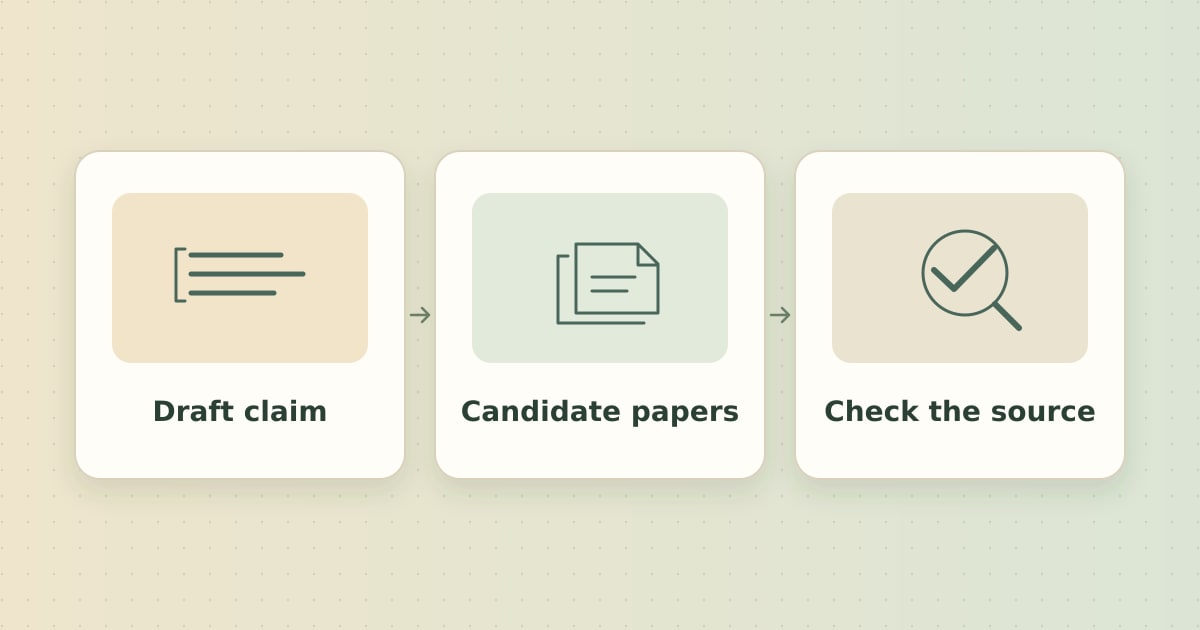
Which Sourcely alternative fits your search?
Sourcely lets you paste draft text to discover relevant academic sources. If you are switching, start with what you can provide today. A draft claim needs evidence you can inspect, a research question needs a search across studies, and a promising paper gives you a citation network to explore.
Quick picks. Use Miss Formula to find sources for claims in a draft. Use Consensus to explore a research question, Elicit to organize evidence for a review, or ResearchRabbit to follow links from a paper you already trust.
The comparison below uses publicly documented workflows. It focuses on the starting input, the output you can review, and how you can trace it to the original paper.
Compare four Sourcely alternatives
| Tool | Start with | What you can review |
|---|---|---|
| Miss Formula | A claim or draft paragraph | Candidate papers grouped by claim, with abstracts and source links when available |
| Consensus | A question about the research | An evidence summary with citations to the underlying papers |
| Elicit | A review question and fields to extract | A paper list and a structured table for comparing studies |
| ResearchRabbit | A relevant paper or a small collection | Related papers and citation connections |
Where each tool fits
1. Miss Formula for finding evidence for a draft claim
AI Source Finder turns claims in your text into searches and groups candidate papers by claim. This is useful when a paragraph includes several statements that need different sources. Open the abstracts or DOI links when available, choose papers that match your wording, and export the selected references as BibTeX if you use a reference manager.
For example, try the draft claim “Retrieval practice improves delayed recall in undergraduate courses.” Look for studies that actually cover undergraduates and measure recall after a delay. If a paper covers a narrower population or uses a different outcome, adjust your wording before citing it.
Find sources for one claim
Paste a sentence from your draft and inspect the papers it brings back.
2. Consensus for exploring a research question
Consensus searches research papers and can summarize relevant evidence with citations. Start with a question such as “How has retrieval practice been studied in undergraduate courses?” Open the cited papers to check their methods and see where findings differ.
3. Elicit for comparing studies in a review
Elicit’s Research Agent supports finding papers and extracting information into a table. It fits a review where you want to compare fields such as sample size, study design, and outcome across papers. Review extracted values against the source. If you need to hand off the table, check Elicit’s export options for your plan and workflow.
4. ResearchRabbit for following a promising paper
ResearchRabbit is useful when you have a good starting paper and want to see earlier references, later citing studies, and related work. Explore more than one starting paper when your topic spans different disciplines or research groups.
Three checks before you cite a paper
- Verify the record. Open the DOI or publisher page and match the title, authors, and year. See how to check if a citation is real.
- Read the study in context. Compare its population, intervention or exposure, and outcome with your sentence. Check the full paper when an abstract leaves something unclear.
- Capture why you chose it. Save the DOI and a short note about the exact claim the paper supports. This helps during revision. See how to find sources to support a claim for a worked example.