LanguageTool vs Grammarly for Proofreading Academic Paragraphs
Choose a proofreading workflow by correction control, document handoff and the scientific facts you must protect. Use a small paragraph to test suggestions before revising a manuscript.
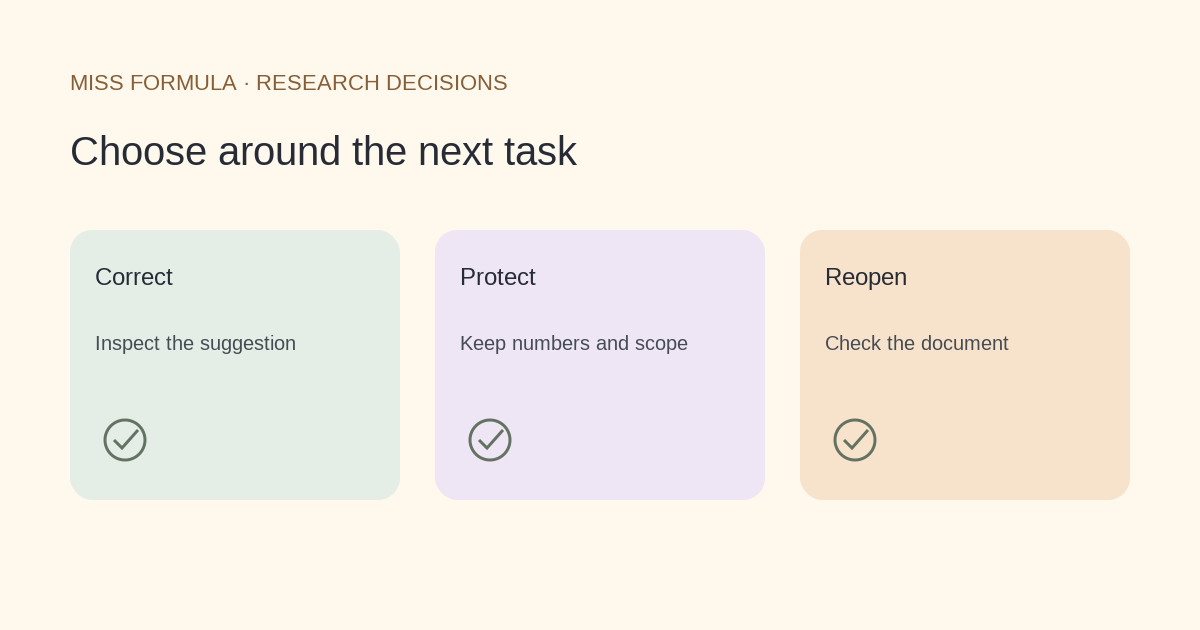
Choose a correction workflow you can review
Consider LanguageTool when its editor and language-support workflow fit your documents, and Grammarly when its grammar-feedback workflow fits where you write. Test both on one permitted paragraph before changing a manuscript. The decisive question is whether you can accept a useful correction while preserving the scientific statement. This article compares documented features and a proposed acceptance exercise; it does not rank accuracy.
| Review need | LanguageTool | Grammarly |
|---|---|---|
| Local language correction | Editor documents spelling, grammar, punctuation, tone and style suggestions | Grammar checker documents spelling, grammar, punctuation and clarity suggestions |
| Document workflow | Official Editor help describes Word-document import and editing | Check the supported application and feedback available in your account |
| Technical vocabulary | Personal dictionary is documented | Review terminology suggestions in your own document |
| Scientific validity | Author must check facts and source meaning | Author must check facts and source meaning |
Language offerings and paid entitlements change. Confirm support for the exact language, application and account you use; do not assume that a feature advertised for one surface appears everywhere.
What the official pages establish
LanguageTool’s Editor help describes a writing environment with language suggestions, a personal dictionary and document import. That makes it reasonable to investigate the editor when your team needs to keep specialized terms stable. Import support is not a guarantee that every equation, field or complex table will survive a round trip.
Grammarly’s grammar-check page describes local corrections and broader writing feedback, with some feedback tied to its paid offering. Those capabilities can help with wording. They do not demonstrate that the system checked a sample size, statistical model or citation against your source. We make no claim that either tool has been tested on the example below.
Protect the facts before you accept a suggestion
Use this invented sentence: “In 48 adults, the intervention was associated with a 6% lower score after eight weeks, although the confidence interval included no effect.” It contains five protected elements: population, sample size, direction and size, time point, and uncertainty. The sentence is a proofreading exercise, not a research finding.
| Protected element | Reject a revision that… |
|---|---|
| 48 adults | Changes the sample size or extends it to all patients |
| Associated with | Turns association into a demonstrated cause |
| 6% lower score | Changes the number, direction, unit or outcome |
| Eight weeks | Changes follow-up to a different duration |
| Confidence interval included no effect | Removes the uncertainty or declares a proven benefit |
A grammatical improvement may still be scientifically wrong. Evaluate each changed clause against your own result and the original source, rather than accepting all suggestions because the paragraph reads more smoothly.
Run a small document handoff rehearsal
Make a permitted copy of a paragraph containing one citation, one technical term and one number. Keep the original beside the revision. Accept one simple correction at a time and record the reason. When a suggestion changes more than wording, pause and check the source or analysis instead of treating it as routine proofreading.
If you import or export a document, reopen the result in the application your coauthor uses. Check a heading, a formula, a citation and a table note. This rehearsal is a proposed decision method, not a claim that all these objects are supported identically by the two services. Work within your institution’s rules for uploading manuscripts and using writing assistance.
When an integrated writing workflow is useful
Miss Formula AI Writer combines an online document editor with AI-assisted writing and similarity review. Consider it when you want to continue revising in the document instead of moving every passage between separate tools. Similarity review remains separate from proofreading, authorship detection and verifying a source’s conclusions.
After an AI revision, use the meaning-preservation checklist. Keep the original passage and review numbers, uncertainty, scope and citations. If your next task is comparing matched wording, use selected-text similarity checking; a lower score is not a reason to accept a changed scientific claim.
Questions about academic proofreading
Which is better for every researcher? No universal winner follows from the documented features. Test your language, terminology and receiving editor. Can proofreading verify a citation? Correct punctuation does not prove that a reference exists or supports a statement. Should I rewrite every flagged term? No. Technical names may be correct; confirm them before changing or adding them to a dictionary.
Official documentation checked November 27, 2026: the LanguageTool Editor help and Grammarly grammar-check page linked above. Exact prices, current language counts and untested accuracy percentages are deliberately omitted. For the distinct question of specialist academic revision, see Paperpal vs Grammarly. Keep author judgment and the original source in the loop whichever editor you choose.