Crossref vs Google Scholar for Checking References
Choose DOI metadata lookup or scholarly discovery, then use a reference-level review log to decide what you can safely correct.
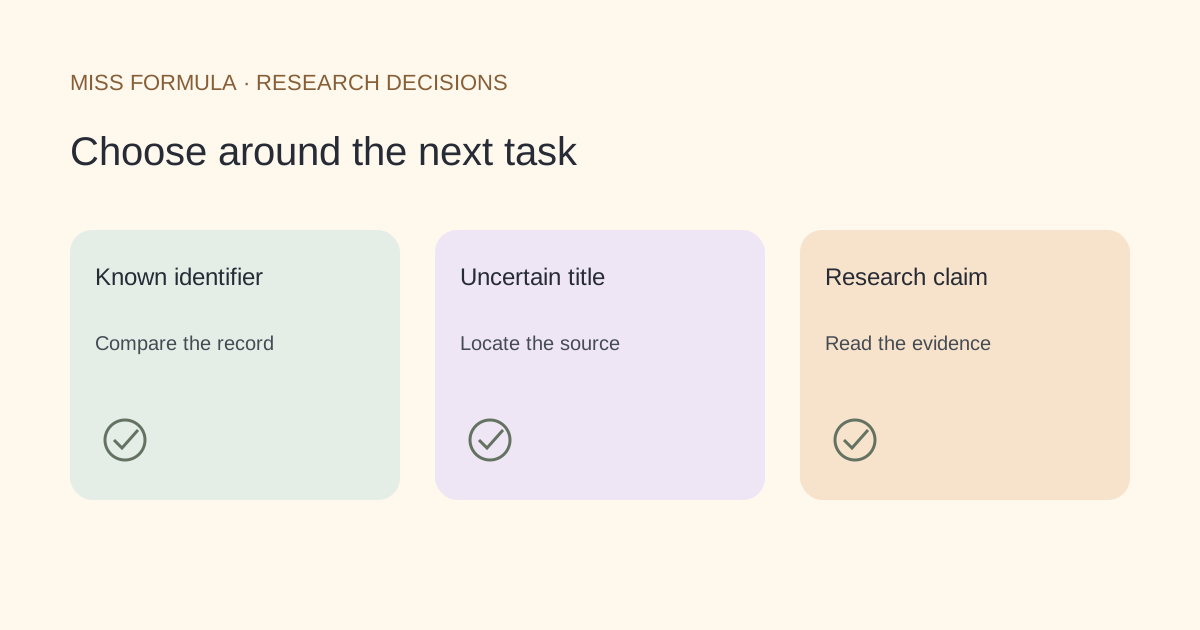
Use Crossref for a known DOI, Scholar for discovery
Start with Crossref when you have a DOI registered with Crossref and need its deposited metadata. Start with Google Scholar when you need to locate a paper by title, explore versions or follow related literature. Use the publisher or repository record to resolve a discrepancy. Neither a metadata match nor a search result proves that the paper supports your sentence.
This is a public-documentation comparison checked November 22, 2026, not an accuracy benchmark. The two services answer different questions. Choosing the right first stop can make a reference review more systematic without pretending either service covers every scholarly object.
| Review question | Crossref | Google Scholar |
|---|---|---|
| Does this known identifier match the citation? | Retrieve the Crossref DOI record and compare fields | Search can locate the work, but inspect the underlying record |
| Where can I find this title? | Search deposited metadata; coverage follows registered records | Quoted-title search and versions help locate scholarly material |
| What related work should I read? | Metadata relationships depend on available deposits | Related articles and Cited by support exploration |
| Can I automate a structured metadata check? | Documented REST API returns structured records | This article recommends the documented interactive search workflow |
| Does a missing result prove fabrication? | No; check identifier agency, transcription and coverage | No; search absence alone is insufficient evidence |
Official basis: Crossref REST API documentation and Google Scholar Search Help.
Crossref: begin with the identifier you already have
Crossref exposes metadata deposited by its members and other trusted sources. Its documented /works/{doi} endpoint retrieves a single Crossref record. That gives you explicit fields to compare with your reference rather than a list of loosely related search hits.
Keep the original reference alongside the candidate record. Compare the title, authors, publication details and identifier. A title that looks close can still represent a different object. Do not quietly replace a preprint with a later journal version just because the latter appears more complete.
Crossref is one DOI registration agency, not the entire DOI system. If a lookup fails, investigate the identifier and its registration agency before drawing a conclusion. Deposited metadata can also be incomplete or need correction. The useful output is a documented candidate and a reason for accepting or rejecting it, not an unconditional green light.
Google Scholar: locate the work, then inspect the source
Google’s help recommends putting a known paper title in quotation marks. Its All versions links can help locate accessible copies; Related articles and Cited by help broaden a reading trail. These are valuable discovery functions when your reference has no usable identifier or when you need the text itself.
After finding a plausible result, open the source. Check whether you are looking at a journal article, a repository manuscript or another version. Save the URL and note which version you inspected. A familiar title and author surname are useful clues, but the destination record is where you resolve the bibliographic identity.
For example, an author’s accepted manuscript and the final journal article can have different page layouts. A page number from your reading notes may refer to the manuscript rather than the journal pagination. Record the version explicitly before changing a locator or deciding the reference is wrong.
A four-case review log for your next bibliography
The following is an original review plan, not a set of fabricated search results. Apply it to four references you are entitled to inspect. It separates identity, version and meaning so that corrections remain reversible.
| Case | First action | What to record |
|---|---|---|
| A DOI attached to an unexpected title | Compare the identifier record with the cited title | Keep both candidates until you identify the intended work |
| A title with no DOI | Try an exact-title search and inspect a source record | Record a stable publisher or repository URL; leave DOI blank if unconfirmed |
| A preprint and journal article | Identify which version the draft actually used | Preserve the version distinction and review any changed findings |
| A correct record beside a strong claim | Read the relevant methods or results passage | Write a separate support decision and a passage locator |
Use four short fields in your notes: original reference, candidate source, discrepancy, decision. Add the review date if you expect to revisit the item. This small log is more useful than collecting unexplained screenshots of search results.
When a discrepancy is unresolved, keep that status visible. Ask the author of the draft which work they meant, or return to the notes used to write the paragraph. Do not invent an identifier to make the bibliography look finished.
Use a checker as a review queue
Miss Formula’s AI Citation Checker compares references with candidate academic records. Use it to organize a review, then inspect the linked source and correct the reference in your manuscript or reference manager. It does not replace Scholar’s discovery role, a full reference library, or reading the cited paper.
For identifiers, see DOI Citation Checker. For incomplete references, follow the no-DOI walkthrough. If the record exists but fields differ, use the metadata-mismatch guide.
Which service proves that a citation is real?
Finding a source record supports an identity decision. Check the actual object and its bibliographic fields; neither service guarantees the truth of a claim citing it.
Should I replace one service with the other?
Usually they are complementary. Use the known identifier for record checking and scholarly search for discovery or access.