How to Check Whether a Paper Has Been Corrected or Retracted
Check the publisher record, Crossmark status, and linked notices before you rely on a downloaded paper. Includes a reusable status note.
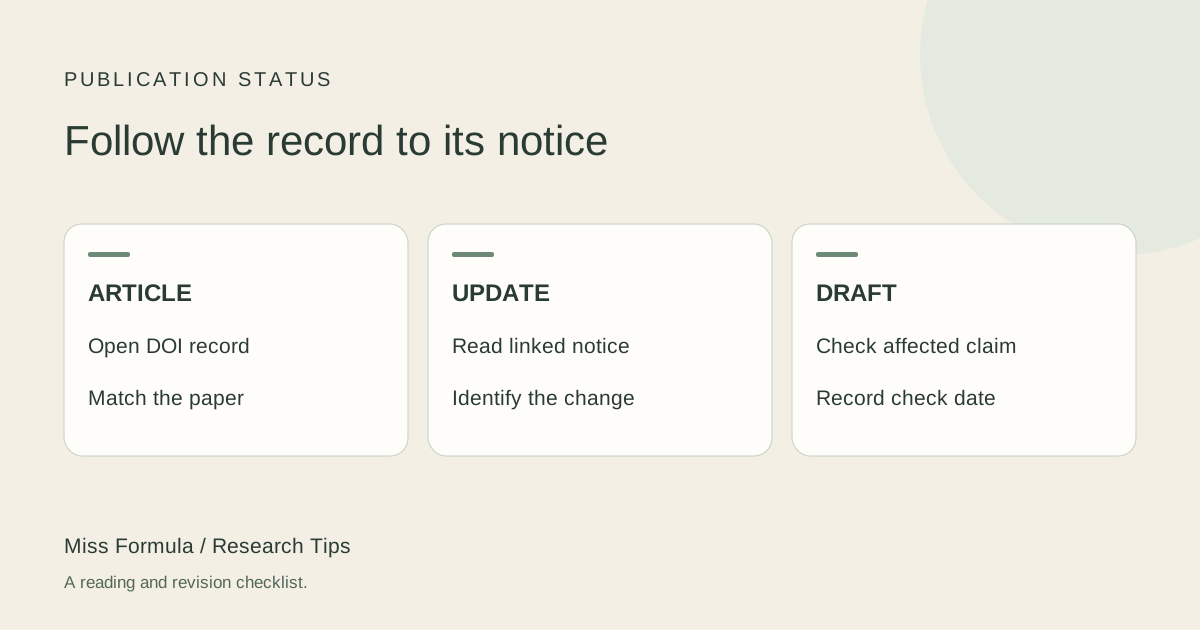
Return to the publisher-maintained record
Before relying on a saved PDF, open the article’s DOI landing page and check for corrections, retractions, expressions of concern, or other updates. Read any notice and decide whether it affects the specific result you intend to cite. A working DOI establishes a route to a record; it does not establish that the article has never changed.
Start by matching the title, authors, journal, and year to your PDF. Follow the DOI from the article itself or a verified bibliographic record. Check that you are looking at the article rather than a similarly titled preprint, editorial, or notice.
This status check serves a different purpose from checking whether a citation is real. A real article can later acquire a correction. It can also remain published while a separate notice changes how a particular finding should be interpreted.
Click Crossmark and read the status
When the publisher provides a Crossmark button, open it while online and read the status and linked updates. Crossref’s FAQ explains that the presence of the button alone does not mean the copy is up to date. The button can also appear inside a PDF, so an older download may still provide a path to newer information.
Crossref’s Crossmark overview also makes clear that participation depends on publishers reporting updates; the service is not a guarantee. If no button appears, continue to the publisher’s article page and its linked notices. Do not treat “no button,” “no update found,” and “verified unaffected result” as equivalent outcomes.
Classify the notice, then inspect its scope
| What you find | What to inspect next | What to record |
|---|---|---|
| Correction or erratum | Which text, figure, table, or value changed? | Notice DOI or URL; changed item; impact on your sentence. |
| Retraction | The publisher’s notice and the reason stated there | Retraction status; whether your discussion concerns the history of the article. |
| Expression of concern | The concern described and any later resolution | Unresolved issue; date checked; limits on use. |
| No notice located | Publisher updates, Crossmark if present, and linked records | Sources searched and date; avoid claiming universal clearance. |
Use the terminology in the publisher’s notice. Do not infer misconduct, motive, or reliability of unrelated results from a label alone. A correction might repair a name, replace a panel, or change a numerical result; those changes have different implications for your draft.
Work through a correction that changes your sentence
Hypothetical example. Your draft says, “The treatment increased the response by 40%.” A linked correction replaces Table 2 and changes the relevant estimate to 4%. The article still exists and its DOI still resolves. Nevertheless, your sentence must change, and you must verify the comparator, unit, uncertainty, and corrected table before citing it.
If instead the notice corrects an author affiliation, check and record that scope. Do not assume every correction invalidates all findings. Conversely, a notice that changes a result should not be filed away as a cosmetic update.
Reusable note: Article DOI: [identifier]. Checked: [date]. Publisher status: [exact label]. Notice: [DOI/URL]. Affected material: [table, panel, or passage]. Effect on my draft: [revise / remove / discuss with qualification]. Recheck needed: [unresolved question].
Recheck the version you will actually cite
Open the revised HTML or updated PDF where available, keep the notice with your reading notes, and repair any copied values in tables, figures, and review matrices. For a retracted work discussed as an object of analysis, make that status explicit and follow the target journal’s citation guidance. Do not quietly use it as ordinary supporting evidence.
Before submission, repeat the status check for sources carrying central claims. Record the date instead of promising permanent clearance: publication records can change after you download them.
Miss Formula’s AI Citation Checker helps with reference identity and bibliographic details. The publisher and Crossmark checks described here remain a separate reader task; this article does not claim that a bibliographic match certifies current publication status. Next, check whether the current report supports your wording.
Source guidance checked November 18, 2026. Follow the current instructions of your target journal or review protocol.
AI Citation Checker
Check the identity of your references. Verify results against your original sources.