Best Tools for Reading Research PDFs in 2026
A task-based shortlist for PDF annotation, source-grounded questions and moving from paper reading to a checked research note.
Pick the reading job before the PDF tool
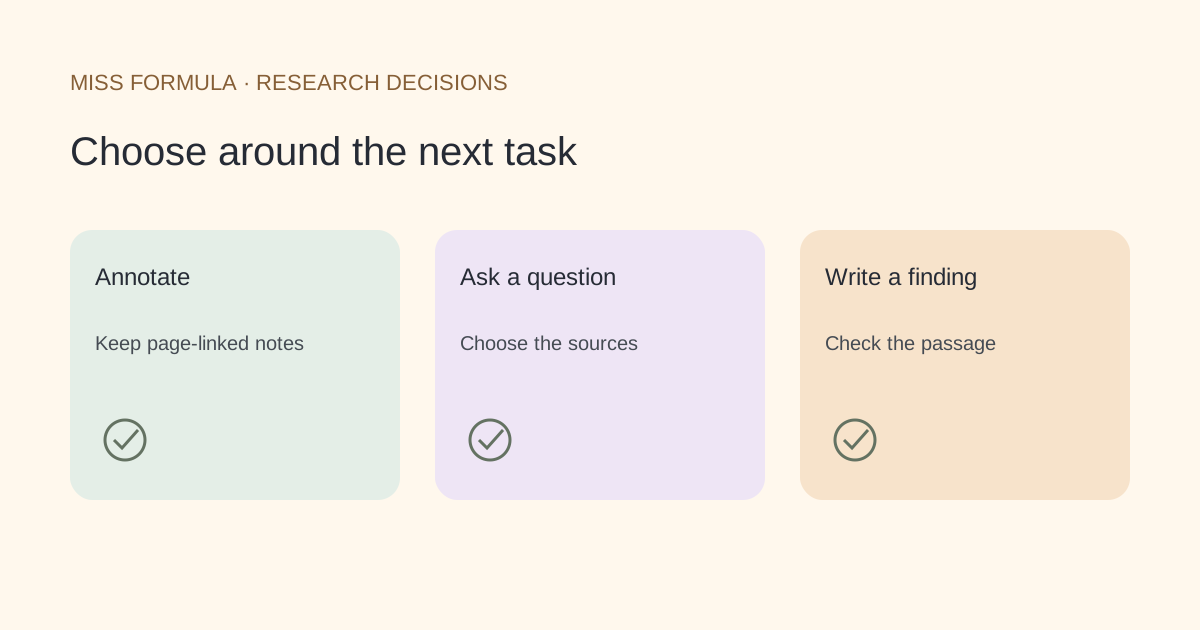
Use Zotero when the main job is durable annotation linked to a reference library, Google’s notebook tool when you want to question a selected set of sources, and Miss Formula when you want PDF questions alongside academic search and writing tools. These options support different parts of reading; this shortlist is not a measured accuracy ranking.
Official documentation was checked November 21, 2026. Google’s help pages currently use the name Gemini Notebook for the product many readers know as NotebookLM. We use that current help-page naming below and avoid time-sensitive free-plan quotas.
| Reading job | Shortlist option | Reusable artifact | Check before relying on it |
|---|---|---|---|
| Annotate while building a library | Zotero | Annotations and notes with links back to PDF pages | Export embedded annotations if another reader must see them |
| Question a selected collection | Gemini Notebook / NotebookLM | Responses with source citations and saved notes | Open the cited passage and inspect the source selection |
| Read a paper during academic research | Miss Formula Academic Search Agent | A checked answer and your own evidence note | Switch to Chat with PDF, attach the file and verify any locator |
| Produce editable text or tables | Use a document converter separately | An editable document or table | PDF chat is not document conversion |
Sources: Zotero reader documentation, Google’s source handling guide, Google’s source-cited chat guide and Miss Formula Chat with PDF.
Zotero: choose it when annotations must survive the chat
Zotero’s PDF reader supports highlights and underlines. Its notes can include annotations, citations and links back to the page. That makes it a strong fit when a paragraph in your literature review must remain traceable to a passage you marked during reading.
There is a handoff detail worth checking: annotations created in Zotero’s reader are stored in its database. The documentation explains that an exported PDF with embedded annotations is needed to show them in an external reader. Sending the original attachment alone can therefore omit the review work.
Use this route when the long-lived artifact is your organized library and reading notes. The cited reader documentation describes that annotation workflow; it is not evidence of a built-in generative question-answering service.
Gemini Notebook: select the sources before asking
Google’s documentation describes choosing which notebook sources should be used for an answer, with citations that open supporting source material. This is useful for asking a narrow question across a deliberately selected reading set.
The important control is source selection. An answer about one methods section should not silently mix several papers with similar terminology. Name the intended source and reopen the quoted context. Importing source content and generating a confident summary are not substitutes for checking the argument yourself.
Google also documents source-type limits and differences in ingestion. A web URL and an uploaded PDF are not interchangeable representations of a paper. Check which version and material you actually imported rather than assuming every appendix, image or linked file is included.
Miss Formula: connect the PDF question to the next research step
Open Academic Search Agent in Studio, choose Chat with PDF and attach the paper. Ask a question with a concrete target, such as how the study defined an exclusion criterion. Request the supporting passage and a file or page locator when available, then verify it in the PDF.
The Studio link opens the agent; it does not automatically select PDF chat or upload your document. A missing locator remains a reading task. Miss Formula does not promise that every answer has a correct page reference, or that chatting produces an exhaustive review.
After reading, use AI Source Finder for a claim or check a citation’s identity. Those are separate checks. The uploaded-PDF question guide explains the reading steps.
Use one evidence-note template across the shortlist
Try the same reading question with whichever tool fits your task. The following is an original evaluation template, not a report of a comparative experiment:
Question: Which participants were excluded from analysis?
Source: title, version and filename
Location: PDF page and section or table
What the authors state: a short factual note
What I infer: separately labeled interpretation
Unresolved: missing supplement or unclear definition
A useful answer leaves this note easier to check. If you cannot identify the source and location, record the answer as unresolved rather than treating fluent wording as evidence. For a review, accumulate these notes in an evidence matrix.
Do I need an AI tool for every paper?
No. Direct reading and a reference manager may be enough. Use question answering when it reduces a specific search within material you still inspect.
Can PDF chat replace a systematic search?
No. Reading selected files does not establish that you found all relevant studies. Keep the search strategy and screening record separately.